About this task
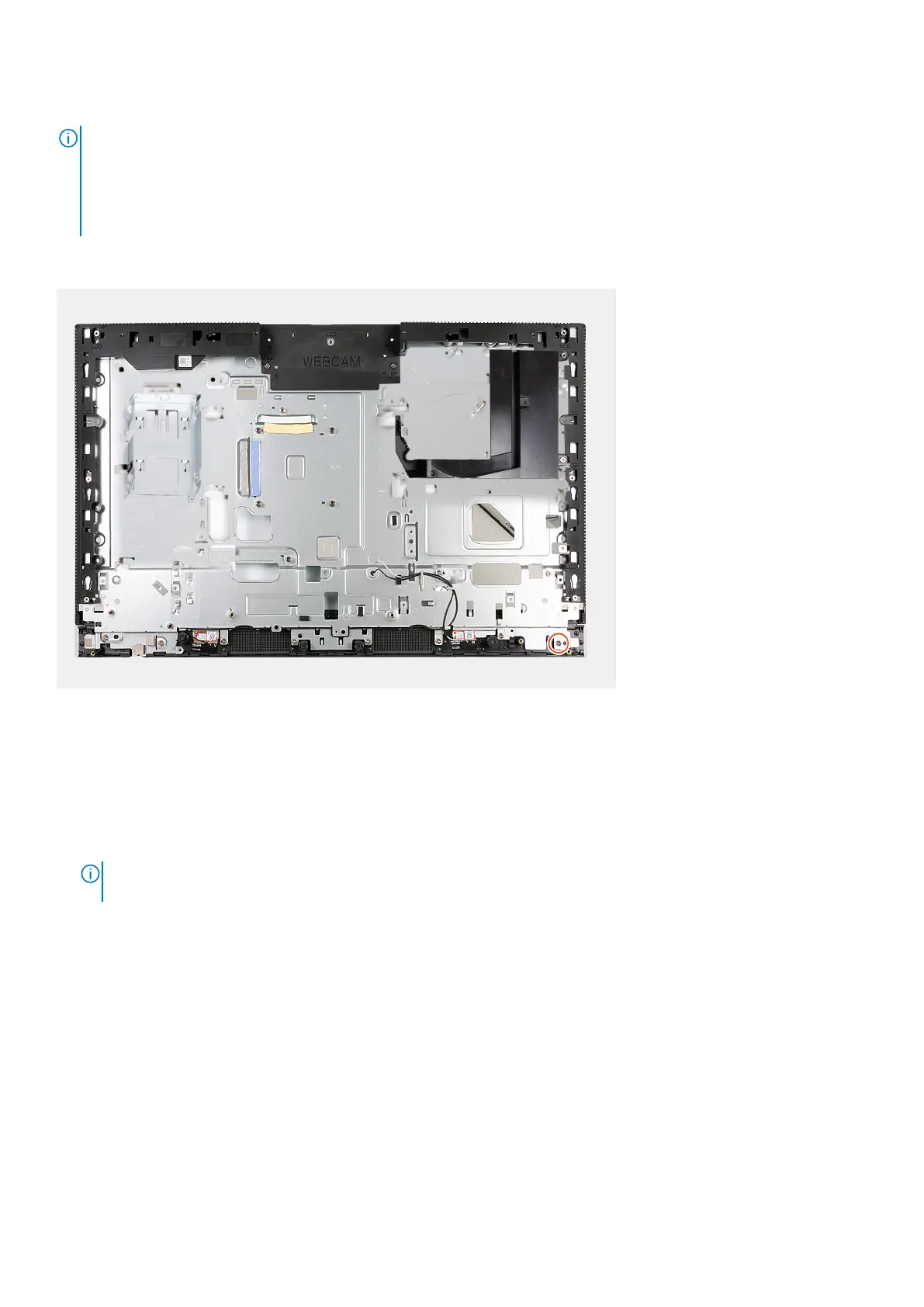
NOTE: The display-assembly base includes the following components:
● antenna modules
● display panel
● middle frame
To replace any of these components, replace the entire display-assembly base.
The following image(s) indicate the location of the display-assembly base and provides a visual representation of the installation
procedure.
Steps
To install the display-assembly base, perform all the post-requisite procedures.
Next steps
1. Install the power-button and I/O board.
2. Install the audio board.
3. Install the system board.
NOTE:
The system board can be installed with the memory, solid-state drive, coin-cell battery, and processor pre-
attached.
4. Install the heat sink.
5. Install the speakers.
6. Install the I/O bracket.
7. Install the fan.
8. Install the retractable-camera assembly.
9. Install the bottom cover.
10. Install the I/O cover.
11. Install the hard drive.
12. Install the wireless card.
13. Install the system-board shield.
14. Install the back cover.
15. Install the stand.
16. Follow the procedure in After working inside your computer.
152
Removal and installation procedures for Energy Efficient processors



 To Next Page