PMAC-PCI Hardware Reference
16 PMAC-PCI E-Point Jumper Descriptions
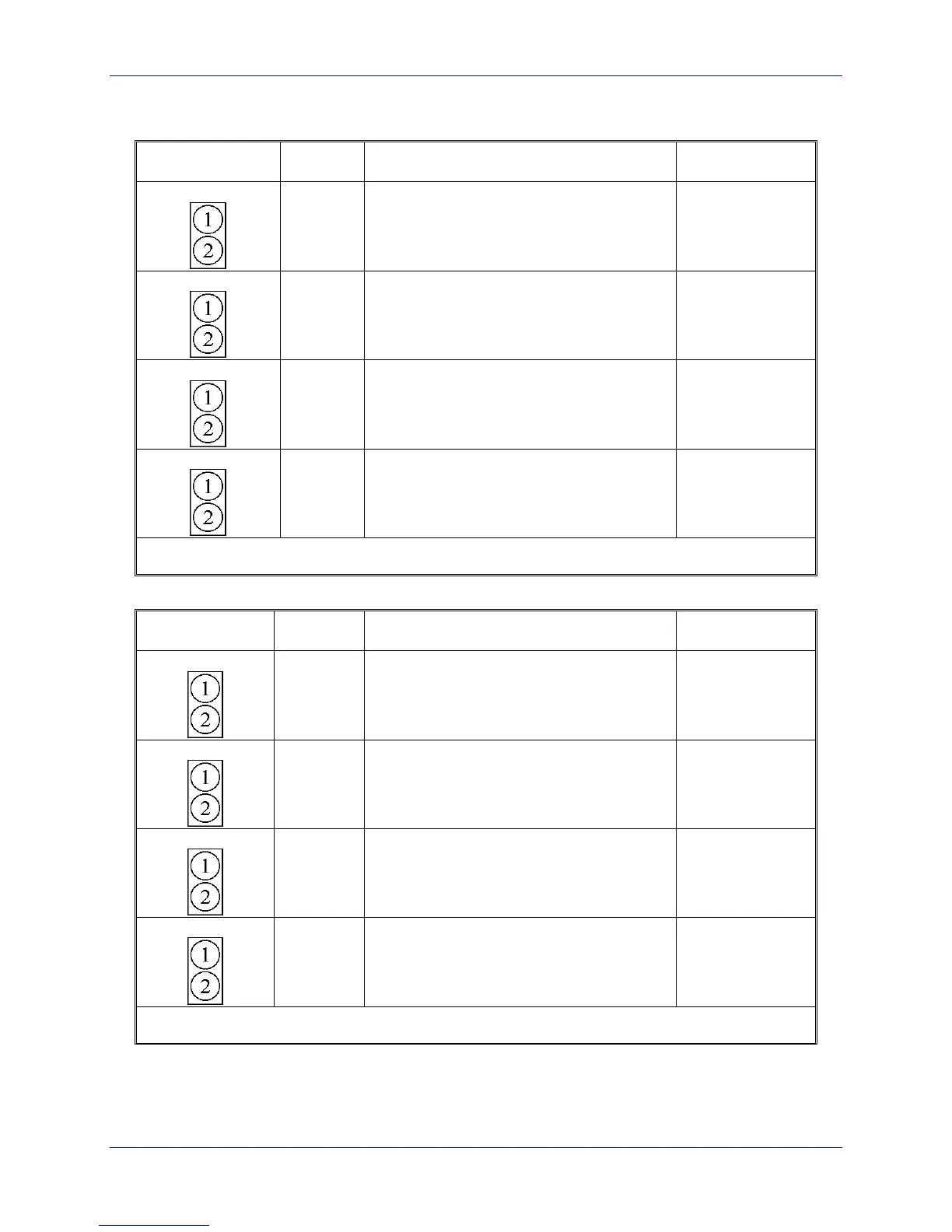
E17A-D: Amplifier Enable/Direction Polarity Control
E Point and
Physical Layout
Jump 1-2 for high-true AENA1.
Remove jumper for low-true AENA1.
Jump 1-2 for high-true AENA2.
Remove jumper for low-true AENA2.
Jump 1-2 for high-true AENA3.
Remove jumper for low-true AENA3.
Jump 1-2 for high-true AENA4.
Remove jumper for low-true AENA4.
Note: Low-true enable is the fail-safe option because of the sinking (open-collector) ULN2803A output
driver IC.
E17E-H: Amplifier Enable/Direction Polarity Control
E Point and
Physical Layout
Jump 1-2 for high-true AENA5.
Remove jumper for low-true AENA1.
Jump 1-2 for high-true AENA6.
Remove jumper for low-true AENA2.
Jump 1-2 for high-true AENA7.
Remove jumper for low-true AENA3.
Jump 1-2 for high-true AENA8.
Remove jumper for low-true AENA4.
Note: Low-true enable is the fail-safe option because of the sinking (open-collector) ULN2803A output
driver IC.



 To Next Page