PMAC-PCI Hardware Reference
18 PMAC-PCI E-Point Jumper Descriptions
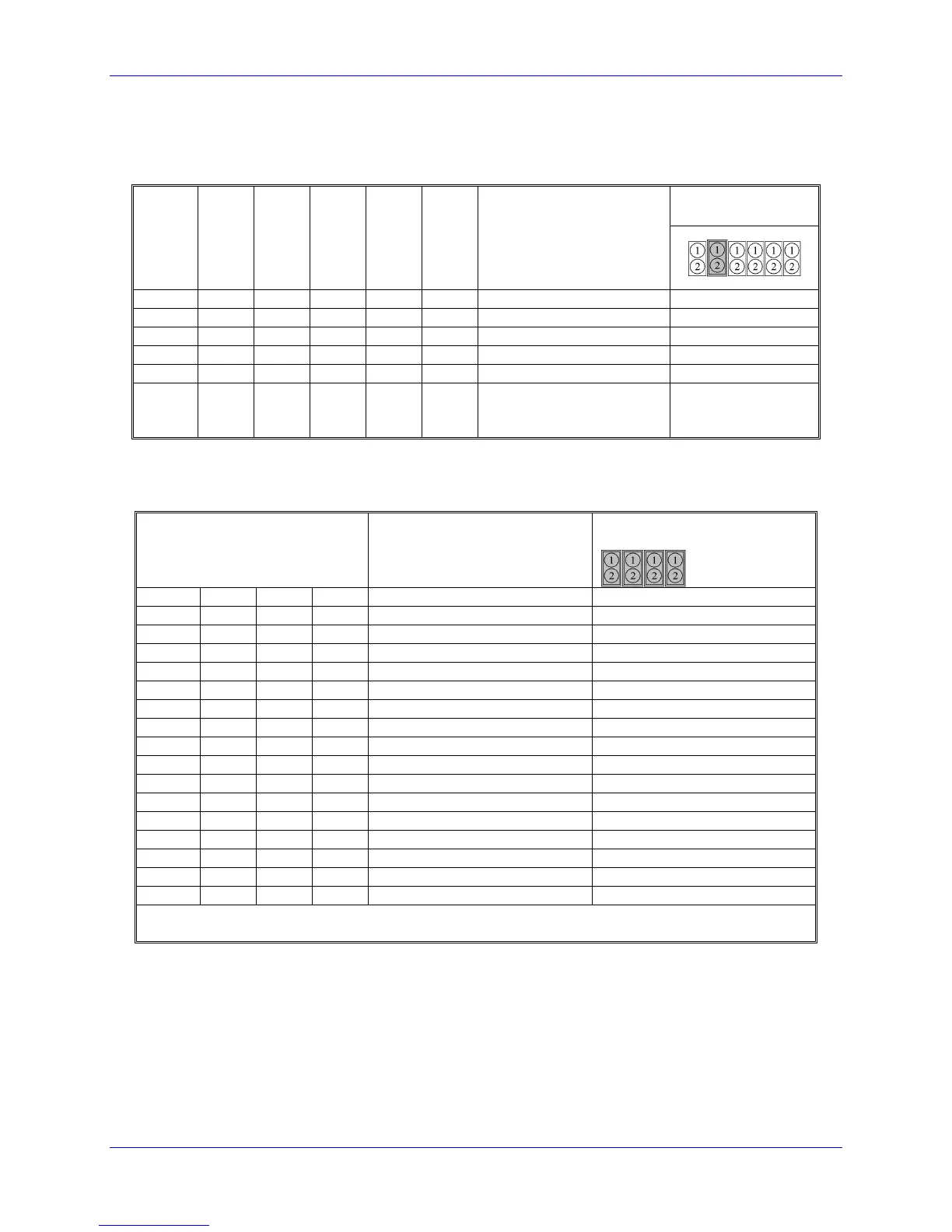
E34 - E38: Encoder Sampling Clock Frequency Control
Jumpers E34 - E38 control the encoder-sampling clock (SCLK) used by the gate array ICs. No more than
one of these six jumpers may be on at a time.
Default and
Physical Layout
E34A E34 E35 E36 E37 E38
A4 A4 A4 A4 A4 A4
External clock 1 to 30 MHz
maximum input on CHC4
and CHC4/
E40 - E43: Software Address Control
Jumpers E40-E43 control the software address of the card, for serial addressing and for sharing the servo
and phase clock over the serial connector. Card @0 sends the clocks and cards @1-@F receive the clocks.
Card Address Control
E Points
Default and Physical Layout
E40 E41 E42 E43
Note: The card must either be set up as @0, or receiving clock signals over the serial port from another
card that is set up as @0, or the watchdog timer will trip (red light ON) and the card will shut down.



 To Next Page