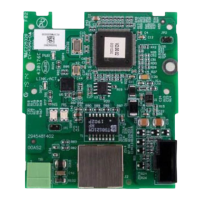
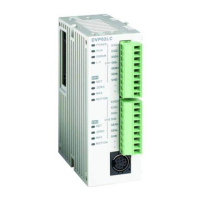
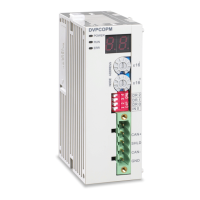
CANopen Communication Module DVPCOPM-SL
Setting up parameters in CANopen master
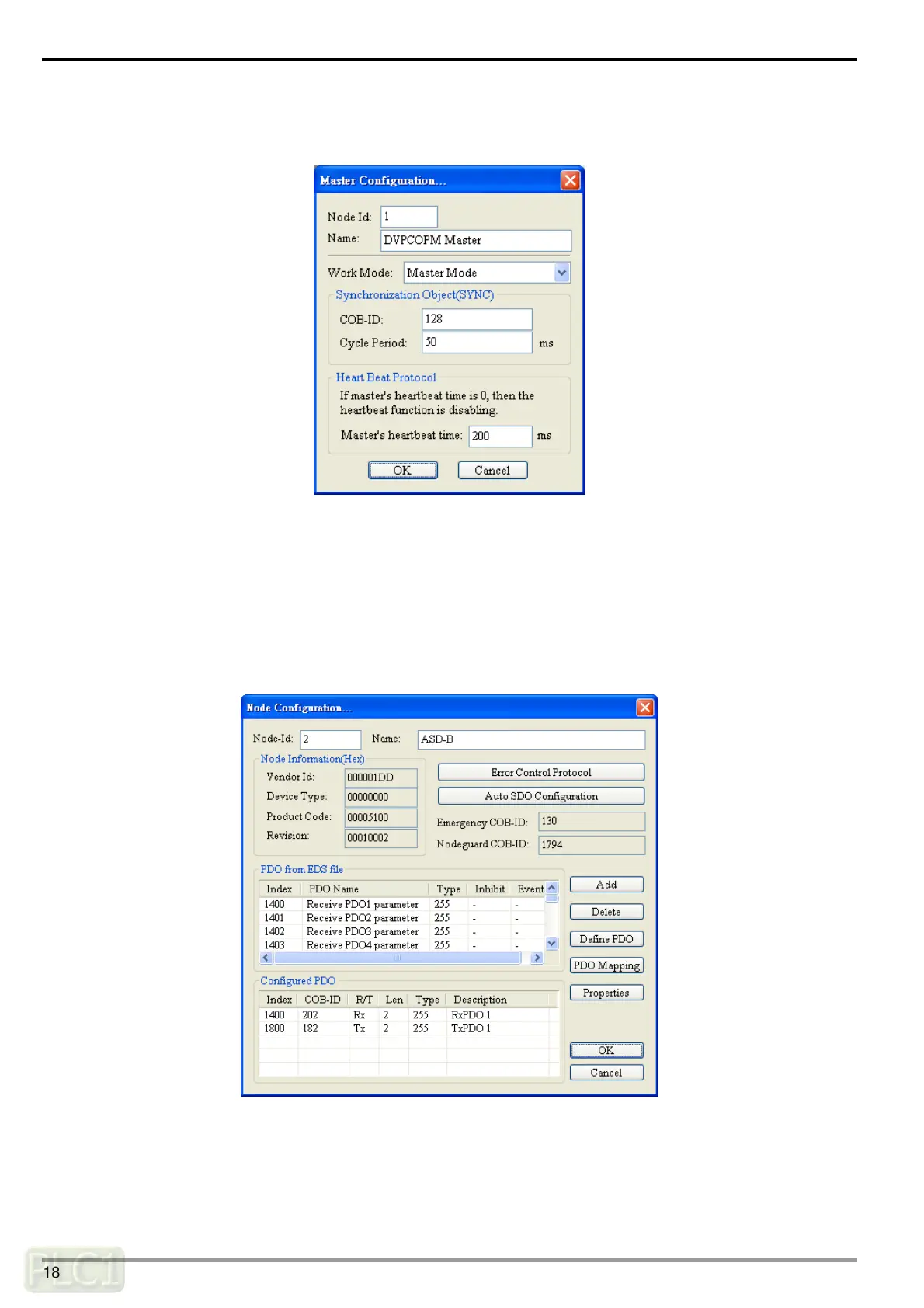
Select “Network” => ”Master Parameter”, and you will see the dialog box as below.
Work Mode: The work mode of DVPCOPM-SL. You can select either “Master Mode” or “Slave Mode”.
Cycle Period: The period of sending synchronous information.
Master’s heartbeat time: Time for DVPCOPM-SL to send out heartbeat.
After all the parameters are set up, click on “OK".
Setting up parameters in CANopen slave
Take the parameter settings in ASD-B for example:
(1) Double click on ASD-B, and you will see the dialog box as below.
DVP-PLC Operation Manual
18


 To Next Page
 Loading...