How do I install the VeryFitPro app on an iPad?
First check that your iPad is 3rd generation or above and is
running Apple iOS 7.1 & above.
1. Tap the Apple App Store icon on your iPad and search for
‘VeryFitPro’ (all one word).
2. Change the search option (normally top left of the Apple
App Store app) from 'iPad Only' to 'iPhone Only'.
3. Tap the 'Get' button next to VeryFitPro to install it.
Is my phone/tablet compatible?
Apple
iPhone 4s or above
iPad 3 or above
iPod Touch 5 or above
Running Apple iOS 7.1 or above
Android
Android 4.5 or above
Bluetooth 4.0 or above
Windows
Not currently supported
Is my tracker waterproof?
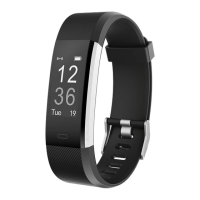
Your tracker is water resistant up to 2m and can be worn
whilst swimming.
Will my tracker work independently of a phone/
tablet?
In order to set up your tracker you first have to pair it with a
phone/tablet. Your tracker needs to know the current
time/date from your phone/tablet, plus information such as
your age, height, weight, preferred units of measurement
16


 To Next Page