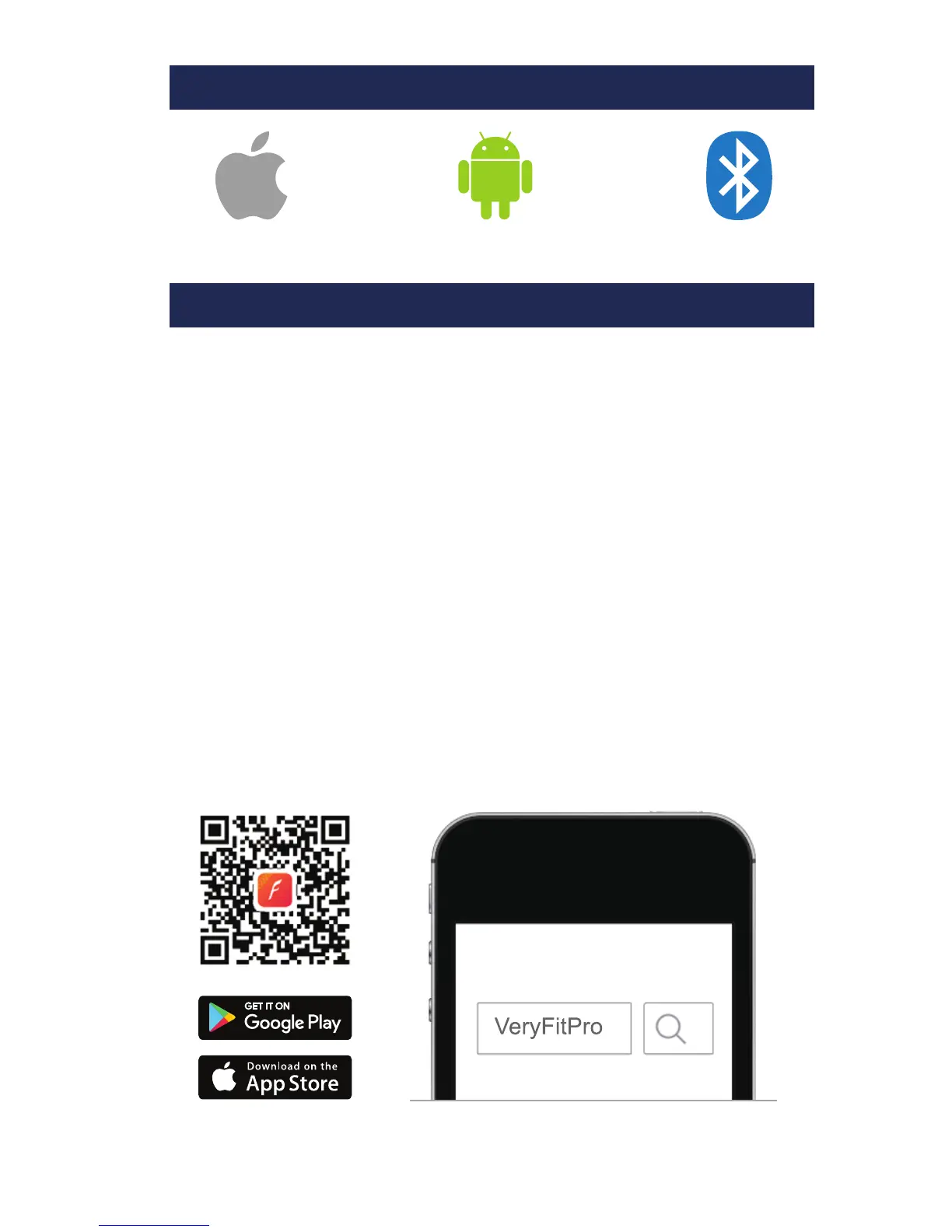
Android 4.5 & aboveiOS 7.1 & above Bluetooth 4.0
1. Download the VeryFitPro App
To set up your tracker you will first need to pair it with your
phone/tablet using the VeryFitPro app. There are 2 options for
downloading and installing it:
Option 1: Search for ‘VeryFitPro’ in the App Store
Search for and download the VeryFitPro app from the Apple
App or Google Play stores. If you are installing on an iPad, you
will need to select the ‘iPhone Only’ search option in the Apple
App Store to reveal the English version of the app.
Option 2: Scan QR Code to Download the App
Use a QR code scanning app on your phone/tablet to scan the
QR code below. This will open the corresponding app store
ready for you to download the VeryFitPro app.
QUICK START GUIDE
PHONE / TABLET REQUIREMENTS
01


 To Next Page