07
4.1 Alarms
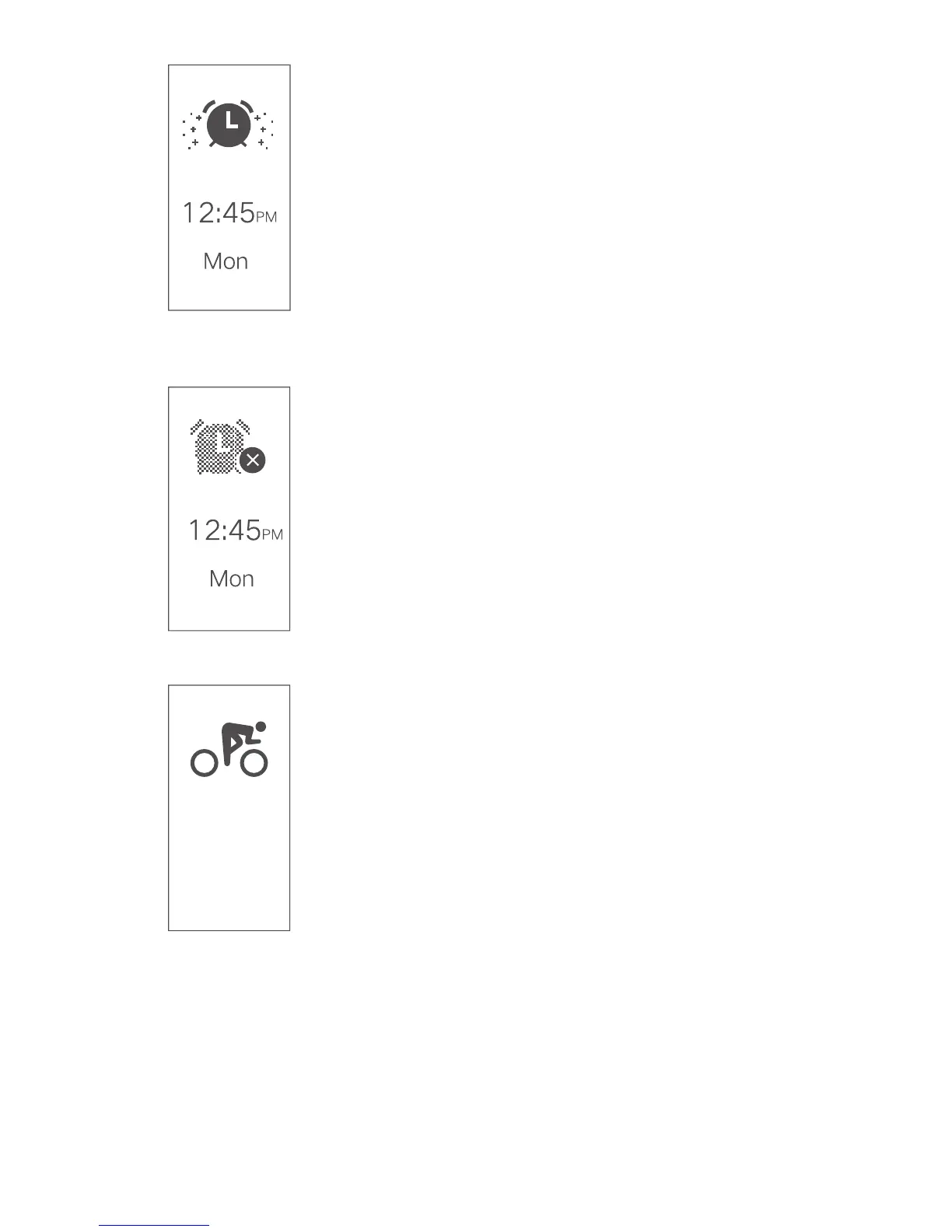
Within the VeryFitPro app you can enable up to
10 alarms per day. Alarms can be used as
reminders to do certain tasks throughout the
day or simply to wake you up in the morning.
When an alarm is triggered, your fitness
tracker will quietly vibrate on your wrist. You
can stop the alarm by simply tapping once on
your tracker’s function button.
4.2 Disabling Alarms
If you wish to temporarily disable alarms,
scroll to the Alarms page on your fitness
tracker (by tapping the function button). Once
at the Alarms page, press and hold the
function button for 2 seconds to disable them.
You can re-enable alarms by pressing and
holding the function button again whilst on the
Alarms page.
5.1 Sports Mode
Your fitness tracker is capable of tracking 14
different sports modes. You can start up to 3
of these modes from your fitness tracker. By
default these are Walking, Running and
Cycling. If you wish to customise which sports
modes you wish to be able to start from your
tracker, open the VeryFit Pro app and select
Device > More > Activity Display. To replace
one of the existing sports modes, swipe left
over the mode you wish to remove and tap
Delete to remove it. Tap the (+) button (top
right of the app) to add your desired sports
mode.
Long press
to start


 To Next Page