02
2. Remove Screen Protector
Your new tracker is fitted with a screen protector to protect it
whilst in transit. To remove the screen protector, lift the tab
located at the top right corner of your tracker’s screen and
slowly peel it back.
3. Charge Your Activity Tracker
Before using your tracker for the first time we highly
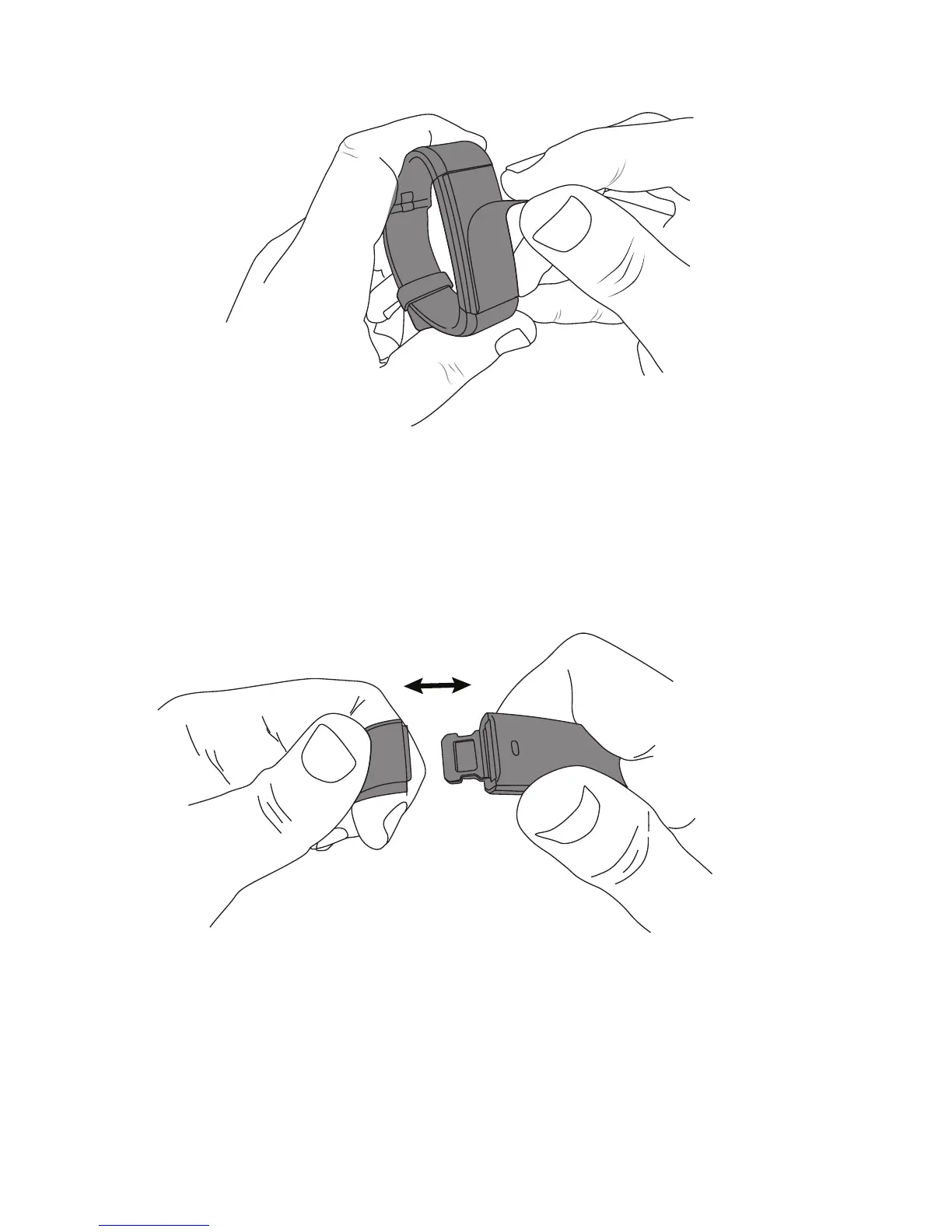
recommend that you fully charge it first. To do this, remove
both straps from the body of your tracker (Fig. 1) to expose
the 4 gold coloured USB charging strips.
Fig. 1


 To Next Page