05
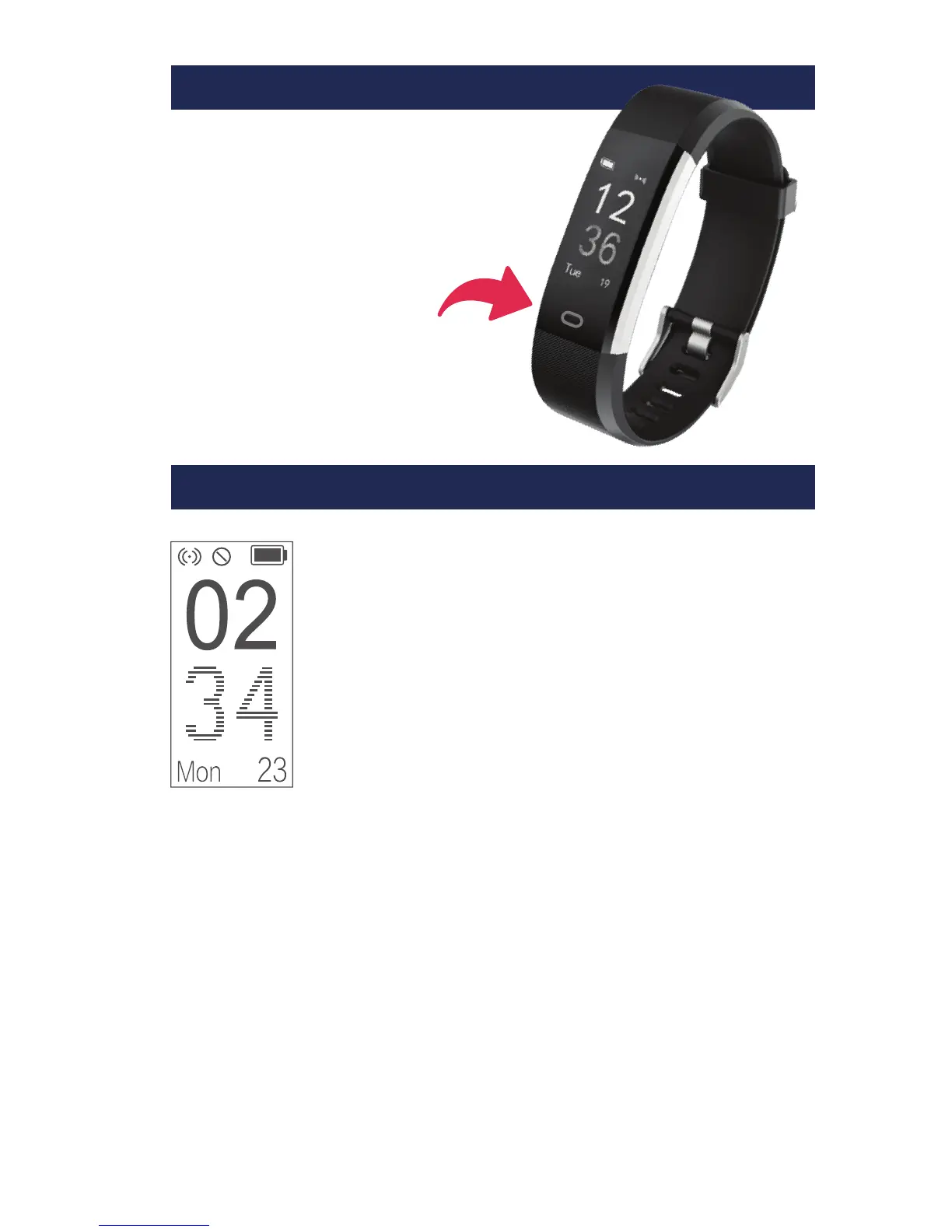
1.1 Date / Time
The date/time on your tracker is synchronised
to your phone/tablet’s date/time via the
VeryFitPro app during set-up and each time
you transfer your activity data.
1.2 Time Format
If you wish to change your tracker’s 12/24 hour
time format, you must change this in your
phone/tablet’s settings and then resynchronise
your tracker with VeryFitPro by swiping down
anywhere on the main page of the app.
1.3 Alternative Watch Faces
You can choose between 4 different styles of
watch face by opening the VeryFitPro app and
selecting Device > More > Dial Settings.
MODES
USING YOUR TRACKER
Tapping
Tapping the function button at the
bottom of the screen will scroll
through the different functions
available.
Press and hold
Pressing and holding down
the function button will activate a
function or open a sub-menu.
FUNCTIONS


 To Next Page