49
6.2.1
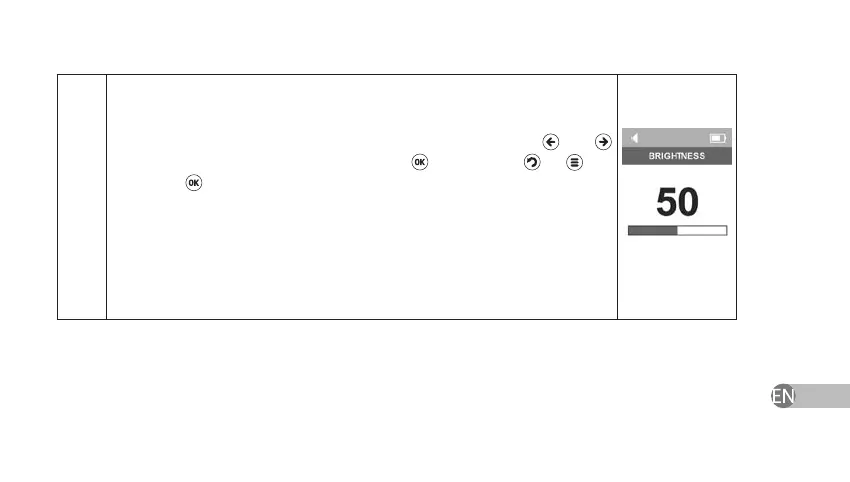
The device has brightness adjustment option within the range of 5 to 100
with a pitch of 5. Select the comfortable brightness level using
and
keys. And conrm your choice by pressing
. If you press
or key
instead of key or if you power o the device, Brightness settings will
return to earlier saved settings.
Attention! If you use increased backlit brightness it may lead to increase of
current consumption and earlier change of batteries. If you use the minimal
backlit brightness, it will allow prolonging the service of the installed batteries.


 To Next Page