60
Contact Menu (Therapy without Contact Control Function is available for Programs and Fre-
quency modes only except for Muscles Program)
7
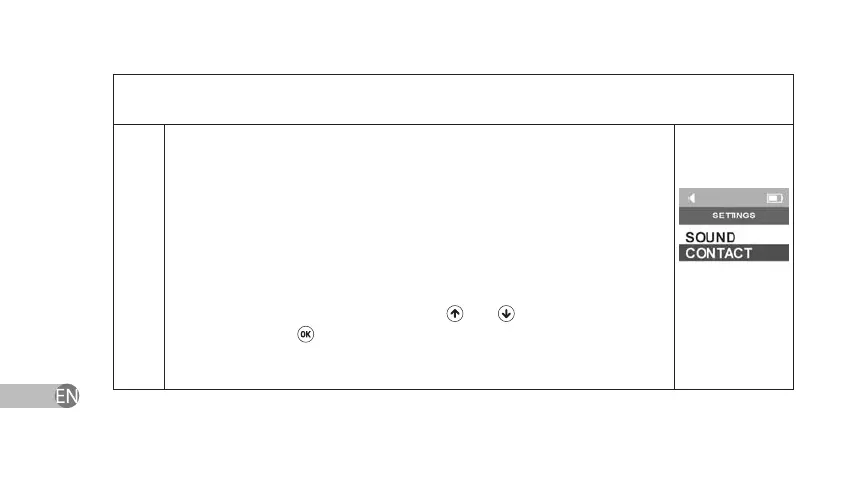
Contact Menu allows operating Therapy without Contact Control Function,
which makes it possible to generate electrical impulses notwithstanding the
quality of contact or whether the electrodes contact the skin. When Therapy
without Contact Control Function is enabled, the device does not produce
any signal if electrodes stop contacting the skin. Therapy without Contact
Control Function can be enabled by using navigation keys in Stimulation
Window (Programs, Frequency). Select Contact Menu in Stimulation
Window (Programs, Frequency) by using
and keys and conrm your
choice by pressing
key.


 To Next Page