67
10 TROUBLESHOOTING
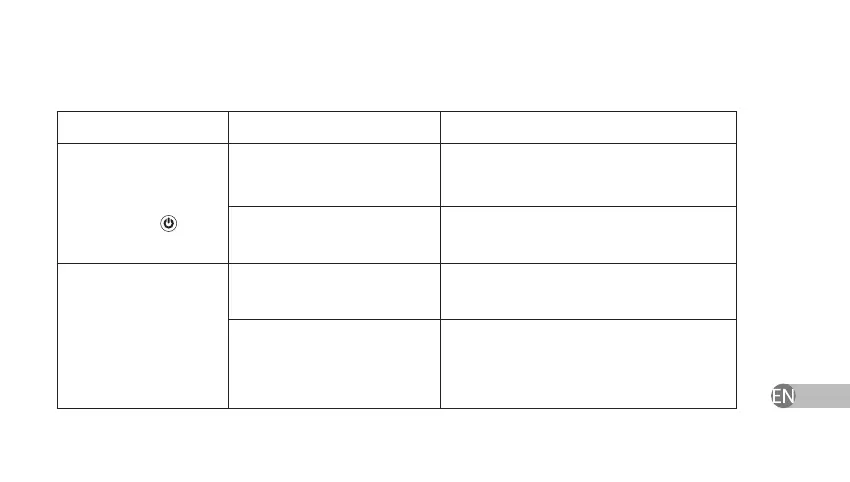
Defect Probable reason Remedy
1) The device does not
switch on after pressing
the key
Batteries are missing
Place a new set of batteries (see Section 9,
Battery Replacement Procedure)
Voltage of the set of batteries
is less than 2.1 V
Replace the set of batteries (see Section 9,
Battery Replacement Procedure)
2) After switching on,
the device produces
sound signals and
automatically switches
o
Voltage of the set of batteries
is less than 2.1 V
Replace the set of batteries (see Section 9,
Battery Replacement Procedure)
The interval between the
device switching on and its
subsequent switching o is
less than 3 seconds
Leave the device when o for a minimum
of 3 seconds and then switch it on again


 To Next Page