52
6.4
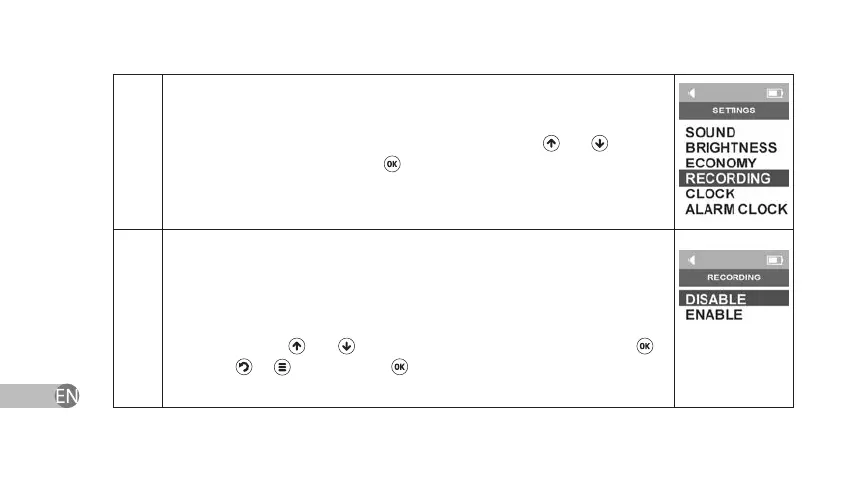
Select Last Settings Recording in Settings Menu by using
and keys and
conrm your choice by pressing
.
6.4.1
The device will show Last Settings Back-up Menu. In this section, you can
change status of the Last Settings Recording Function. If this function is
enabled the device will switch on in the same treatment mode that was
active when the device has last been switched o. If this function is disabled,
the device will go into Main Menu after switching on. Enable or disable this
function by using and keys and conrm your choice by pressing . If
you press
or key instead of key or if you power o the device, Last
Settings Recording settings will return to earlier saved settings.



 To Next Page