56
6.6.1.1
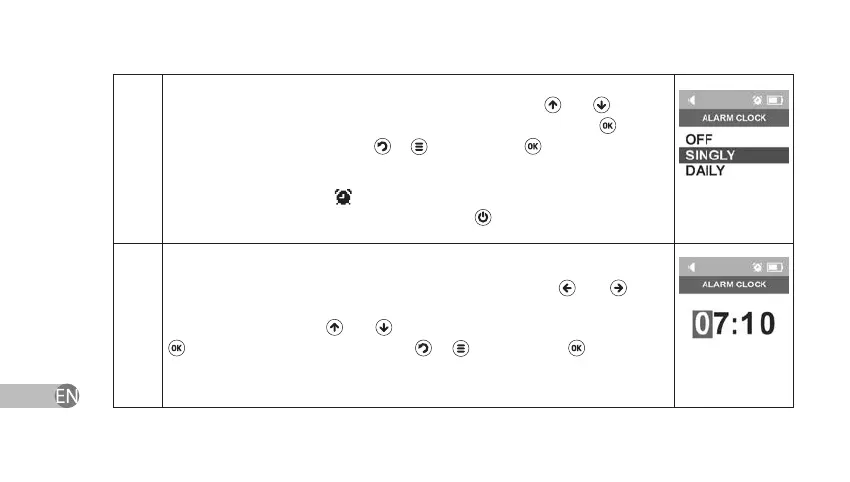
In order to set the periodicity of the alarm clock, use keys
and to select
one of operation modes: disabled, one time or every day. Press
to save
the selected mode. If you press
or key instead of key or if you power
o the device the current alarm clock settings will not change.
If alarm clock is enabled,
symbol will appear in the status bar. In order to
turn o the alarm clock when it goes o press
button one time.
6.6.2.1
In order to set the signal time of the alarm clock, use keys
and to set
the cursor on the changeable area, and change the values according to the
desired values by using
and keys and conrm your choice by pressing
. Switch o the device. If you press
or key instead of key or if you
power o the device the current alarm clock settings will not change.



 To Next Page