47
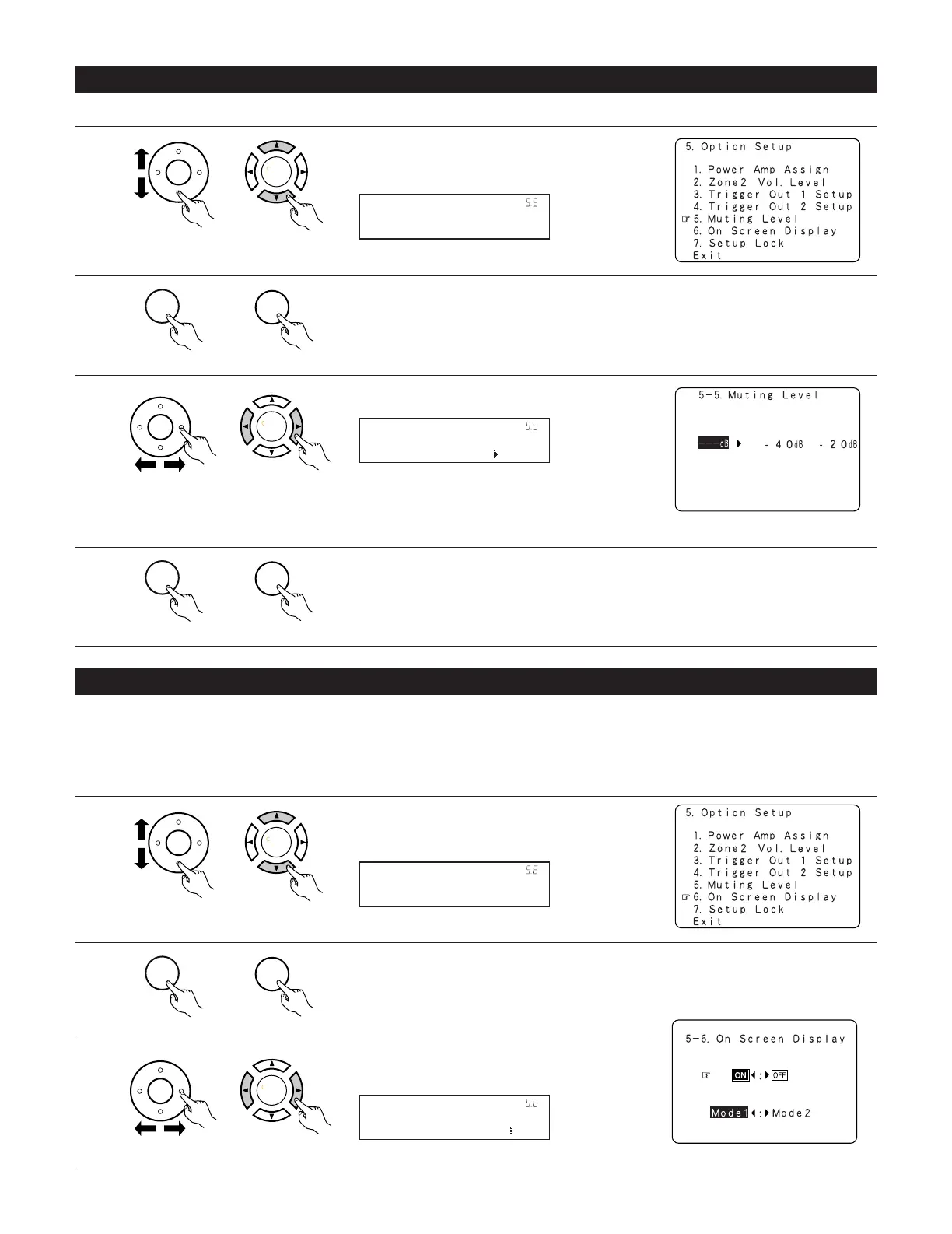
5-6 Setting the On Screen Display (OSD)
• Use this to turn the on-screen display (messages other than the menu screens) on or off.
• Sets the on-screen display’s display mode.
Mode 1: Prevents flickering of the on-screen display when there is no video signal.
Mode 2: Flickering is not prevented.
Use this mode if the on-screen display does not appear in the mode 1, as may happen according to the TV being used.
1
Select “On Screen Display” at the Option Setup Menu.
(Main unit)
(Remote control unit)
2
Display the On screen display setup screen.
(Main unit)
(Remote control unit)
3
Select “ON” or “OFF”.
(Main unit)
(Remote control unit)
Muting Level
*Option Setup
5-5 Setting the Muting Level
1
Select “Muting Level” at the Option Setup Menu .
3
Select the desired setting.
(Main unit)
(Remote control unit)
(Main unit)
(Remote control unit)
(Main unit)
(Remote control unit)
4
Enter the setting.
The Option Setup Menu reappears.
2
Display the Muting Level screen.
(Main unit)
(Remote control unit)
•–20 dB: It is turned down the volume to –20 dB
from the present level.
•–40 dB: It is turned down the volume to –40 dB
from the present level.
• This sets the amount of attenuation at audio output muting.


 To Next Page
 Loading...