"6%*0
"6%*0
015*$"-
065
3-
065
R
L
R
L
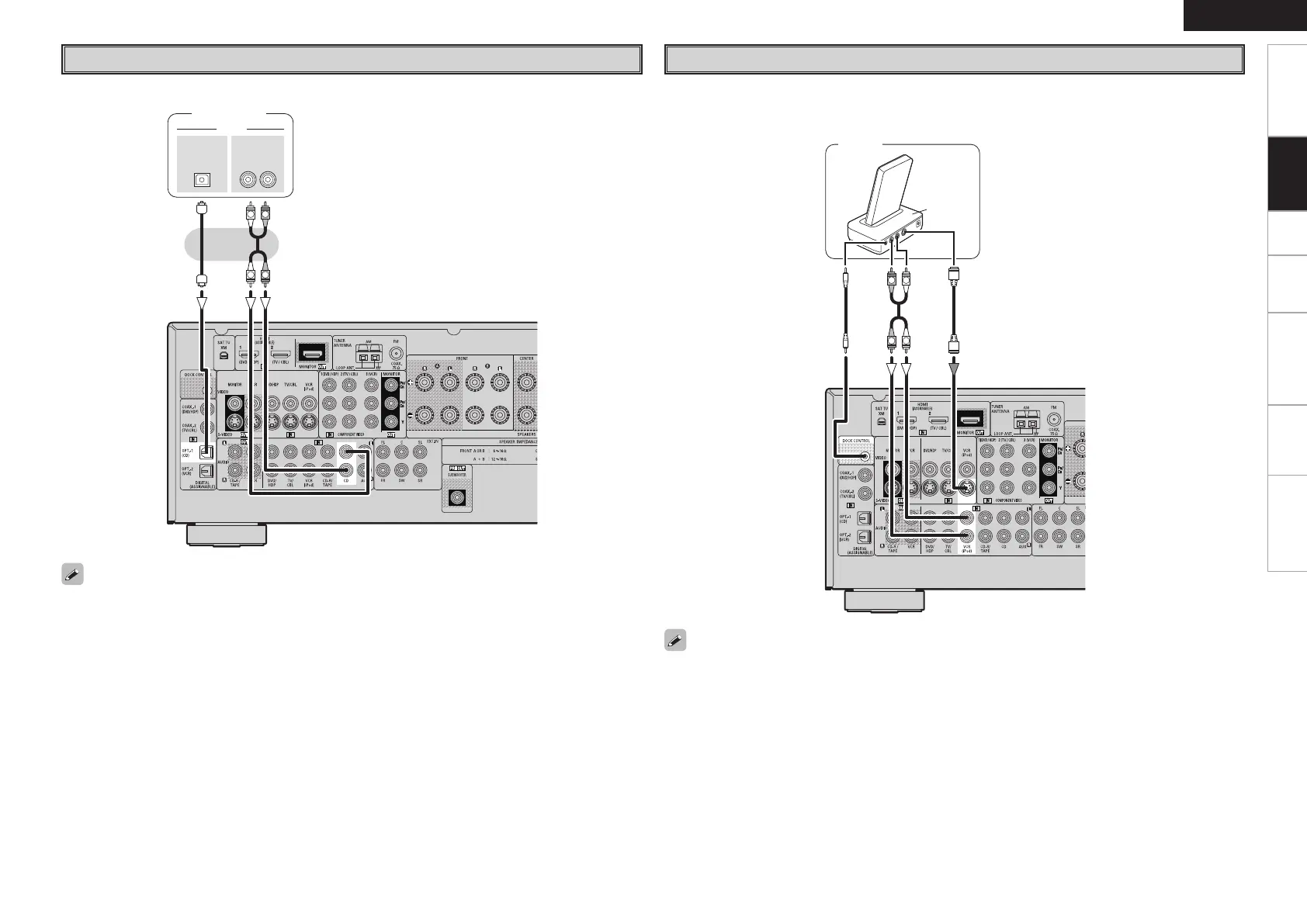
CD Player
Connect the cables to be used.
CD player
When using an coaxial cable for the digital audio connection, make the settings at “System Setup” – “Input
Setup” – “Digital In Assign” (vpage 22).
iPod
®
iPod
• With the default settings, the iPod can be used connected to the VCR (iPod) connector.
• To assign the iPod to a connector other than VCR (iPod), make the settings at “System Setup” – “Input
Setup” – “iPod Assign” (vpage 22).
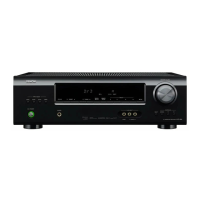
Use a DENON Control Dock for iPod (ASD-1R, sold separately) to connect the iPod to the AVR-488.
For instructions on the Control Dock for iPod settings, refer to the Control Dock for iPod’s operating
instructions.
Connections
Getting Started Setup Playback Remote Control Information Troubleshooting
ENGLISH



 To Next Page
 Loading...