16
SPECIALMODE
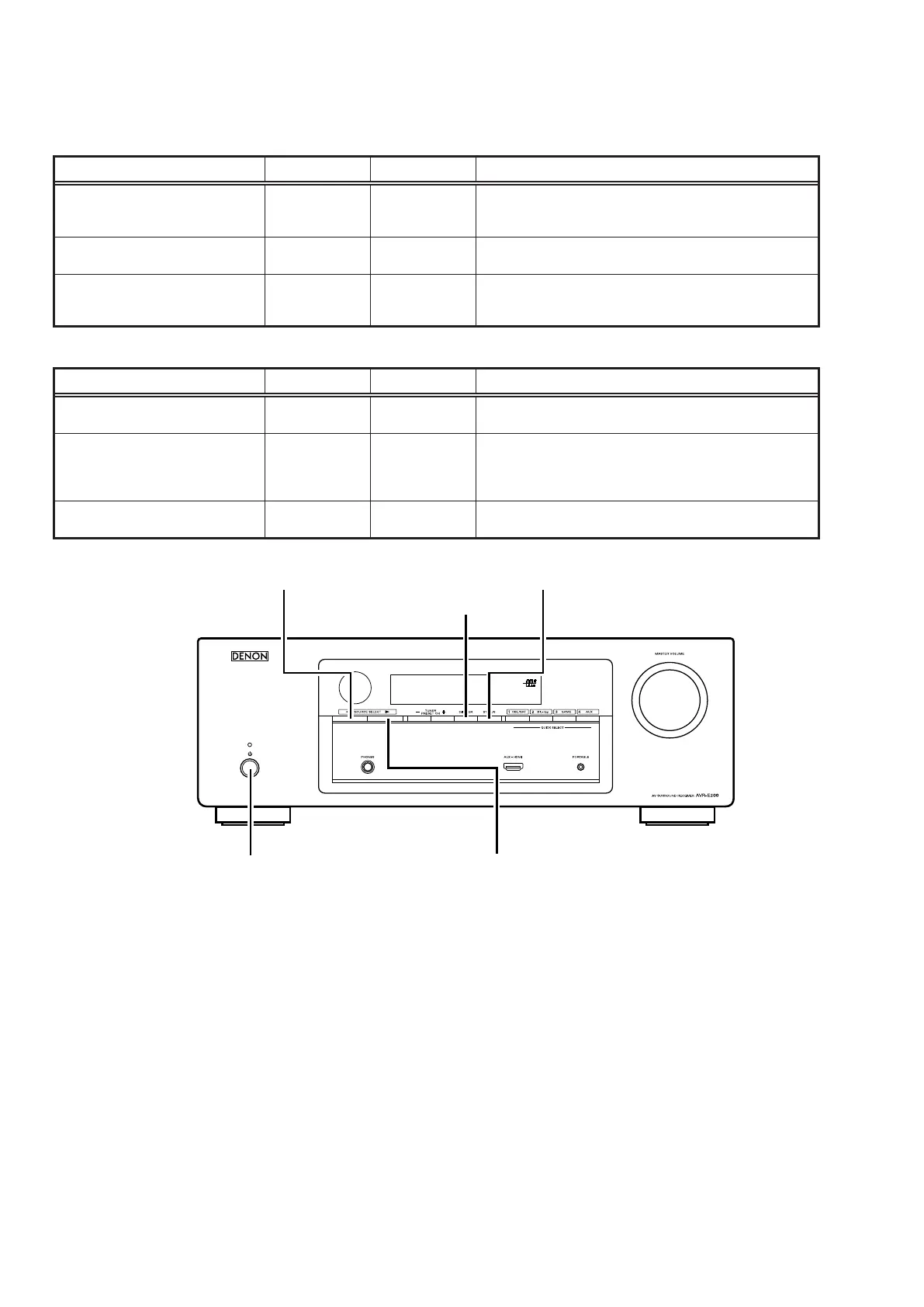
Special mode setting button
b
Pressthe
X
buttontoturnonthepowerwhilepressingboththebuttonAandthebuttonBatthesametime.
Mode Button A Button B Contents
µcom/DSP/OSDVersiondisplay
mode
STATUS DIMMER
FirmwareversionssuchasMain,DSPorOSDaredisplayed
intheFLdisplay.Errorsaredisplayedorwhentheyoccur.
(Referto17pagepage.)
Initializationmode
SOURCE
SELECT
0
SOURCE
SELECT
1
Backupdatainitializationiscarriedout.(Referto9
pagepage.)
Modeforswitchingtunerfrequency
step
DIMMER
SOURCE
SELECT
1
---E2modelonly---
ChangetunerfrequencysteptoAM9k/FM50kHzSTEPor
AM:10k/FM:200kHz.
b
Whenpoweristurnedon,pressingbothbuttonsAandBatthesametimefor3secondsormore.
Mode Button A Button B Contents
Selectthevideosignalformat STATUS
SOURCE
SELECT
0
Selectwiththe"SOURCESELECT
0
","SOURCESELECT
1
"and"STATUS"buttonchangevideoformatNTSCorPAL.
Modeforpreventingremotecontrol
acceptance
STATUS DIMMER
Operationsusingtheremotecontrolarerejected.
"REMOTELOCK:ON"isdisplayedinFLdisplay.
(Modethecancellation:Executethesamebuttonoperations
aswhenperformingsetup.)
Displayingtheprotectionhistory
mode
PRESET+ STATUS
Theprotectionhistoryisdisplayed.
(Referto18page)
X
DIMMER
STATUSSOURCE SELECT 0
SOURCE SELECT 1



 To Next Page
 Loading...