10
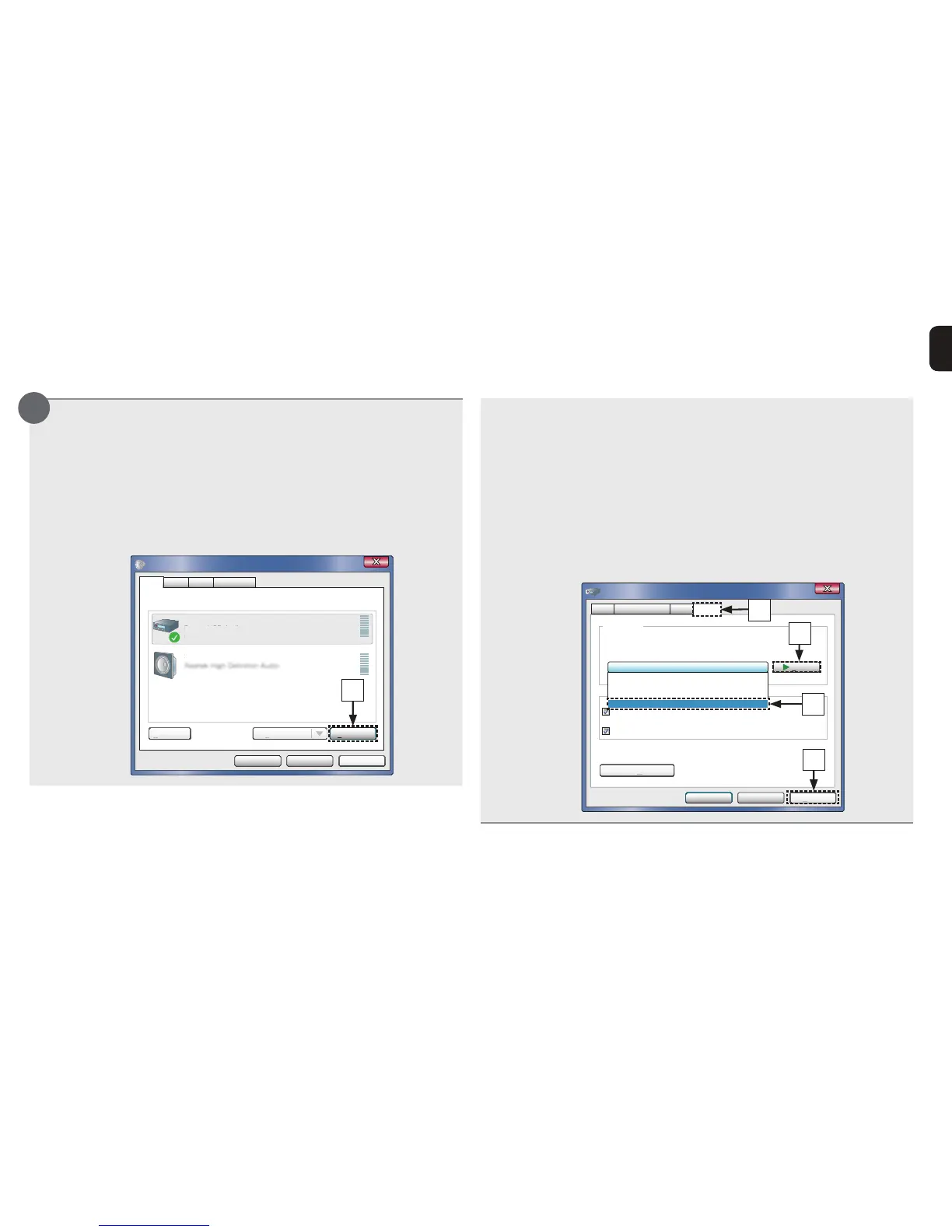
Checking audio output.
(Windows OS only)
tOutputs a TEST signal from the PC and checks the audio
output from the USB-DAC function.
qSelect “Digital Audio Interface” and click “Properties”.
tThe Digital Audio Interface Properties window is
displayed.
ApplyCancelOK
Properties
Select a playback device below to modify its settings:
DigitalAudioInterface
DenonUSBAudio
DefaultDevice
Speakers
DenonU
ault
Playback
Recording CommunicationsSounds
q
wClick the “Advanced” tab.
eSelect the sampling rate and bit rate to be applied to the
D/A converter.
tIt is recommended that “24 bit, 192000 Hz (Studio
Quality)” is selected.
rClick “Apply”.
tClick “Test”.
tCheck that audio from this unit is output from the PC.
ApplyCancel
Test
OK
2 channel, 24 bit, 192000 Hz ( Studio Quality)
Give exclusive mode applications priority
Default Format
Select the sample rate and bit depth to be used when running
in shared mode.
Digital Audio Interface Properties
Allow applications to take exclusive control of this device
aults
General Supported Formats Levels Advanced
2 channel, 24 bit, 44100 Hz ( Studio Quality)
2 channel, 24 bit, 48000 Hz ( Studio Quality)
2 channel, 24 bit, 96000 Hz ( Studio Quality)
2 channel, 24 bit, 192000 Hz ( Studio Quality)
w
t
e
r
3



 To Next Page