9
DN-D4500
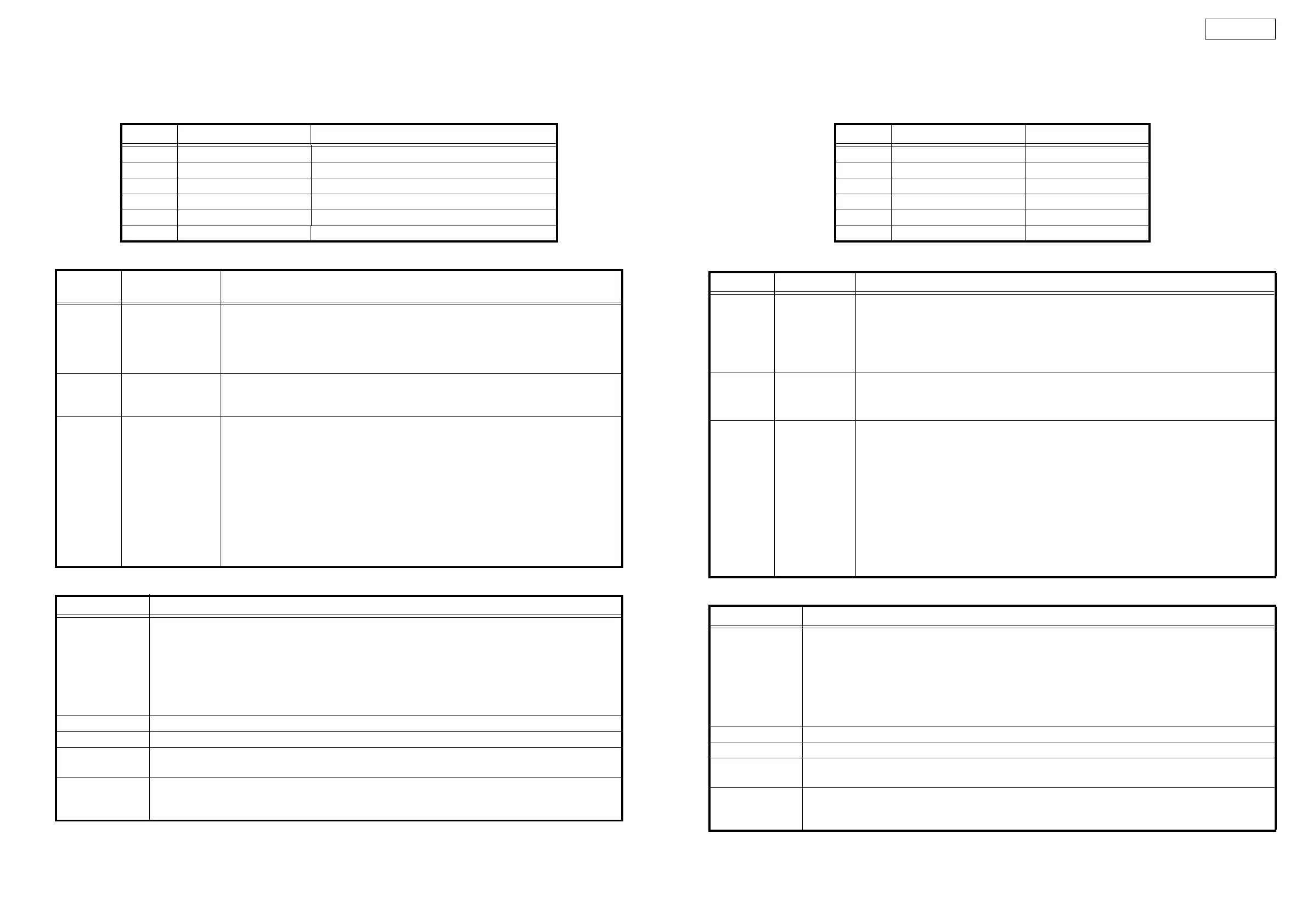
CUE button FLT all light check performed while button pressed.
BEND
-
button FLT all off check performed while button pressed.
Servo automatic adjustment read-out value
2. TEST MODE
3. Error Code Table (Appears only at Heat Run and Chucking Test function)
Adjustment Item Adjustment Value indication at character portions.
1 Focus Gain 144 ~ 2288
2 Focus Balance -70 ~ +70
3 Focus Offset -005 ~ +005
4 Tracking Gain 392 ~ 3136
5 Tracking Balance -025 ~ +025
6 Tracking Offset -005 ~ +005
Function
(Character-display)
Contents
A1 button
Heat Run Test
H/R1 Normal
Press button A1, then press the PLAY/PAUSE button to start the test.
The disc is ejected, loaded and played repeatedly.
For discs containing 20 tracks or less, all the tracks are played.
For discs containing 21 tracks or more, only the first and last tracks on the disc are played.
If an error occurs, the error code is displayed and the stop mode is set.
A2 button
Chucking Test
H/R2 Tray
Press button A2, then press the PLAY/PAUSE button to start the test.
The disc load/eject, servo input and TOC reading operations are performed repeatedly.
If an error occurs, the error code is displayed and the stop mode is set.
EXIT/
RELOOP
button
System check
Sys. Check
Press button EXIT/RELOOP, then press the PLAY/PAUSE button to start the system check.
Once the check is completed, the results are displayed.
1. The system µcom and DSP communications are checked.
2. Reading and writing SDRAM of DSP are checked.
3. Reading and writing SDRAM of servo DSP are checked.
4. Communications between the system µcom and servo DSP are checked.
5. The CD drive operation is checked. (Inner edge switch detection is performed.)
6. The CD drive operation is checked. (Disc detection is performed.)
Once all the checks are completed, the results are displayed on the character display. The
numbers of the checks in items 1 to 6 above that were OK are displayed. If one of the checks
was not OK, the number of that item is not displayed.
Error Code Contents
E1 00
E1 01
E1 03
E1 04
E1 05
E1 06
Automatic Adjustment Error
Unable to detect disk
Unable to adjust tracking offset
Unable to adjust focus rough gain
Unable to actuate focus
Unable to actuate tracking
Unable to adjust tracking rough gain
E2 02 Servo down during automatic Adjustment
E3 00 Unable to read TOC
E4 00
E4 01
Unable to close the disc holder in the regular time
Unable to open the disc holder in the regular time
E5 00
E5 01
E5 02
The inner SW dose not turn on
Slider error
The inner SW dose not turn off
CUEボタン ボタンを押している間、FLT の全点灯チェックを行います。
BEND
-
ボタン ボタンを押している間、FLT の全消灯チェックを行います。
サーボ自動調整読み出し値
2. テストモード
3. エラーコードテーブル ( ヒートランテスト、及び、チャッキングテストのとき表示されます )
サーボ調整項目 調整 OK 範囲
1 フォーカスゲイン 144 〜 2288
2 フォーカスバランス -70 〜 +70
3 フォーカスオフセット -005 〜 +005
4 トラッキングゲイン 392 〜 3136
5 トラッキングバランス -025 〜 +025
6 トラッキングオフセット -005 〜 +005
機能キャラクター表示 内容
A1 ボタン
ヒートランテスト
H/R1Normal
A1 ボタンを押し、PLAY/PAUSE ボタンを押すとテストを開始します。
ディスクの出し入れと、再生を繰り返します。
20 トラック以下のディスクのときは、全てのトラックを再生します。
21 トラック以上のディスクのときは、ディスク先頭トラックと最終トラックのみ再生します。エラーが発生すると、エラーコード
を表示して停止します。
A2 ボタン
チャッキングテスト
H/R2Load
A2 ボタンを押し、PLAY/PAUSE ボタンを押すとテストを開始します。
ディスクの出し入れと、サーボ投入、TOC の読み込みを繰り返します。
エラーが発生すると、エラーコードを表示して停止します。
EXIT/
RELOOP ボタン
システムチェック
Sys.Check
EXIT/RELOOP ボタンを押し、PLAY/PAUSE ボタンを押すとシステムチェックを開始し、チェック終了後、その結果を表
示します。
1.システムマイコンと DSP の通信チェツクを行います。
2.DSP の SDRAM のリード / ライトチェツクを行います。
3.サーボ DSP の SDRAM のリード / ライトチェツクを行います。
4.システムマイコンとサーボ DSP の通信チェツクを行います。
5.CD ドライブの動作チェックを行います。( 内周 SW の検出をおこないます。)
6.CD ドライブの動作チェックを行います。( ディスク検出をおこないます。)
全てのチェックが終了すると、キャラクター表示に結果を表示します。1 〜 6 項目のチェックが OK の時は、OK になっ
た項目の番号が表示されます。NG の項目が合った場合、NG になった項目の番号が表示されません。
エラーコード 内容
E100
E101
E103
E104
E105
E106
サーボ自動調整エラー
ディスクが検出できない。
トラッキングオフセットが調整できない。
フォーカズ粗ゲインが調整できない。
フォーカスサーボが入らない。
トラッキングサーボが入らない。
トラッキング粗ゲインが調整できない。
E202 サーボ自動調整中サーボが外れた。
E300 TOC が規定時間内に読めない。
E400
E401
ディスクホルダーが規定時間内にクローズできない。
ディスクホルダーが規定時間内にオープンできない。
E500
E501
E502
内周 SWON しない
スライドエラー
内周 SWOFF しない


 To Next Page