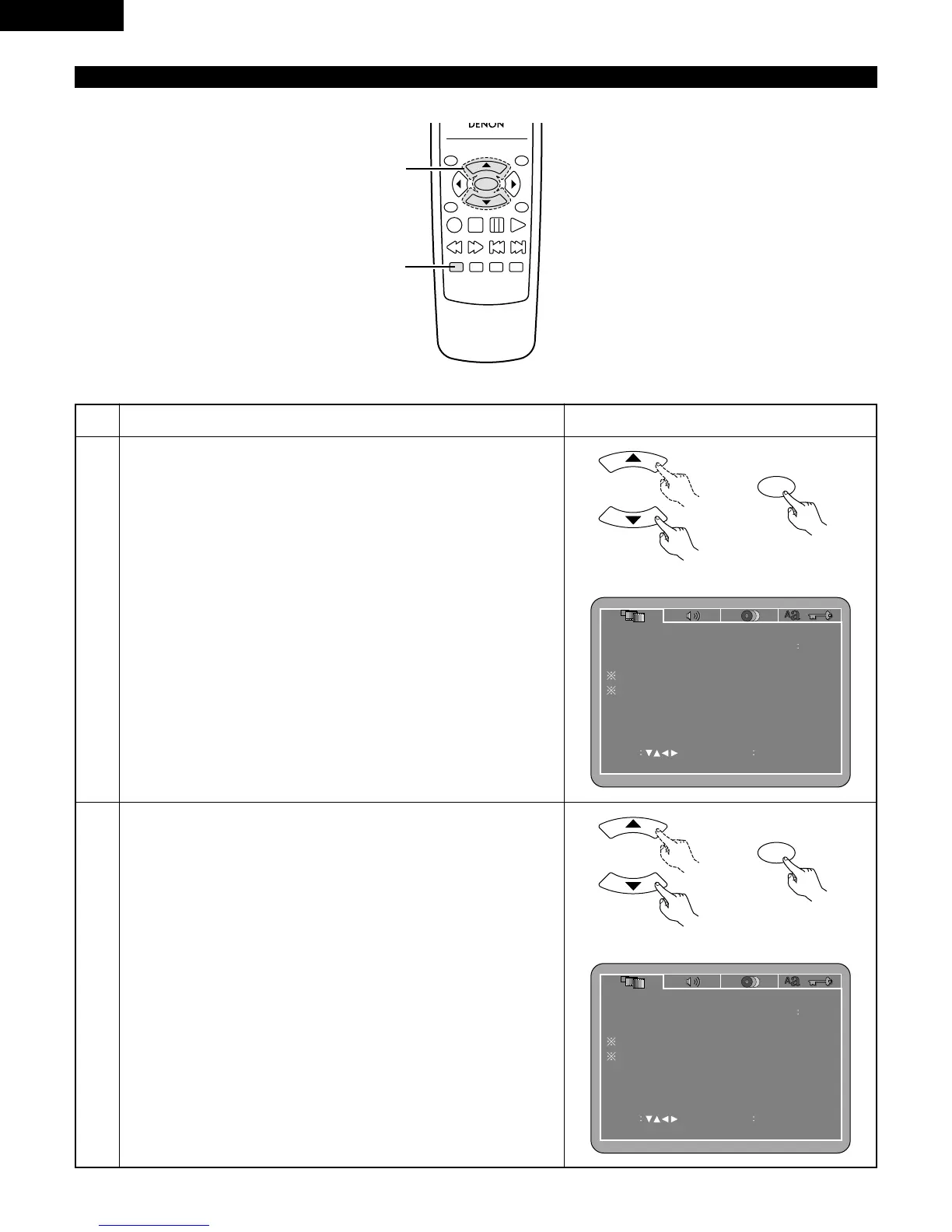
3
Use the
•
and
ª
cursor buttons to select the desired setting.
q
When “TV ASPECT” is selected:
Press the ENTER button several times and select the aspect.
4:3 PS (Factory default)
Select this to play wide DVDs in the pan & scan mode (with the
sides of the picture cut off). Discs for which pan & scan is not
specified are played in the letter box mode.
4:3 LB
Select this to play wide DVDs in the letter box mode (with black
strips at the top and bottom).
WIDE (16:9)
Select this to play wide DVDs in the full-screen mode.
2
Use the
•
and
ª
cursor buttons to select the desired setting, then press
the ENTER button.
TV ASPECT
Use this to set the shape of your TV’s screen.
TV TYPE
Use this to set your TV’s video format (NTSC, PAL or MULTI).
VIDEO MODE
The play DVD video, select the desired video mode (“AUTO”, “FILM”,
“VIDEO”).
SLIDE SHOW
The time interval for switching to the next still picture when playing
slide shows of still pictures (in JPEG format) can be set.
NOTES:
• The video mode and slide show are displayed when the “SETUP
MENU MODE” at “SYSTEM SETUP” is set to “EXPERT”.
• When the video output is set to “PROGRESSIVE SCAN”, signals are
only output from the COMPONENT connector.



 To Next Page