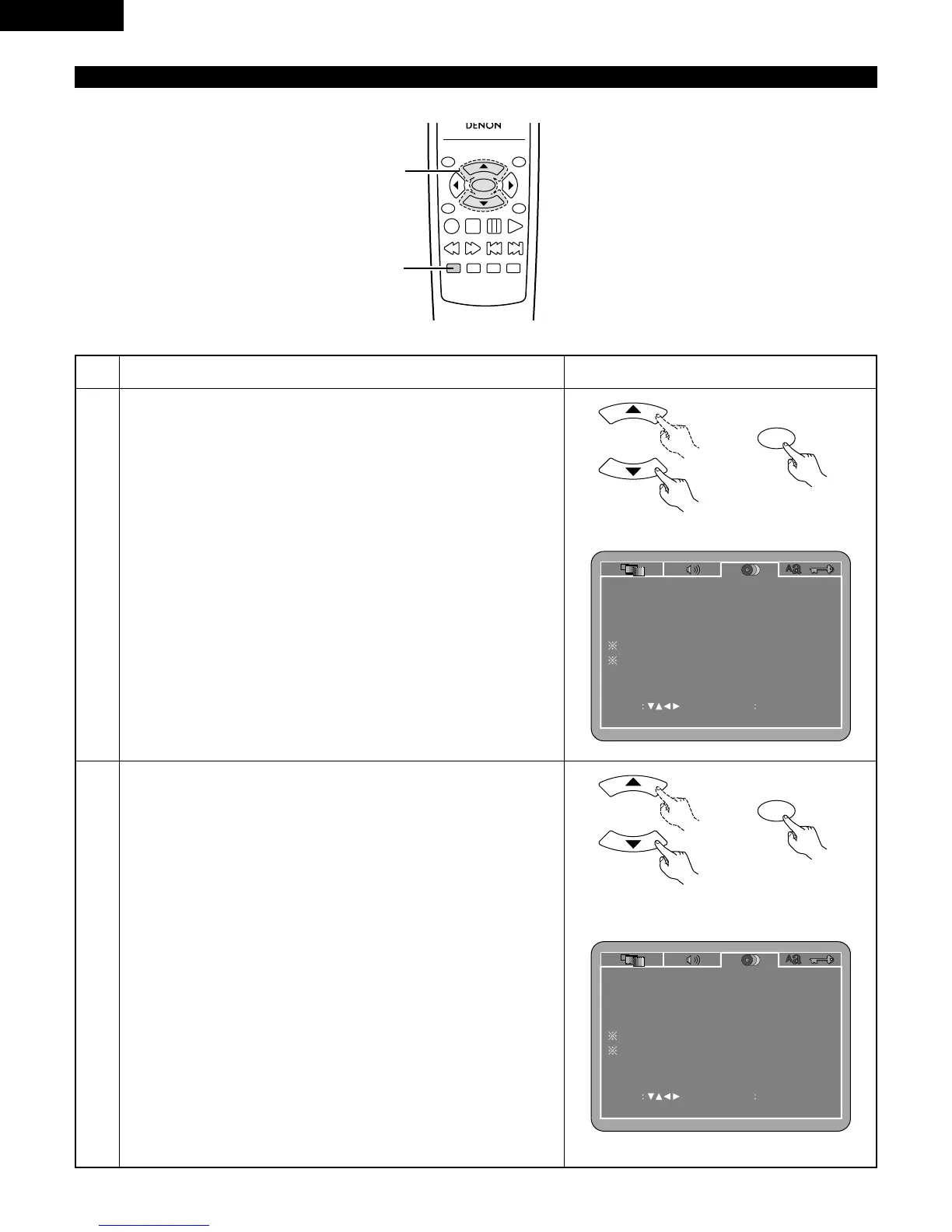
1
2
3
See page 20.
Use the
•
and
ª
cursor buttons to select the desired setting, then press
the ENTER button.
DIALOG
Use this to set the language of the sound output from the speakers.
SUBTITLE
Use this to set the language of the subtitles displayed on the TV.
DISC MENUS
Use this to set the language of the menus recorded on the disc (top
menu, etc.).
ANGLE MARK
Angle marks are displayed/not displayed on the screen.
CAPTIONS
Use this to set whether or not to display the closed captions recorded
on DVDs.
NOTE:
• Angle marks and captions are displayed when “SET UP MENU
MODE” at “SYSTEM SETUP” is set to “EXPERT”.
q
When “DIALOG” is selected:
Press the ENTER button several times and select the language.
ENGLISH (Factory default)
Select this when you want to play the DVD with the sound in
English.
FRENCH
Select this when you want to play the DVD with the sound in
French.
SPANISH
Select this when you want to play the DVD with the sound in
Spanish.
GERMAN
Select this when you want to play the DVD with the sound in
German.
ITALIAN
Select this when you want to play the DVD with the sound in Italian.
OTHERS
Use the number buttons to input the language number.
(See “Language code list” on page 28.)



 To Next Page