1
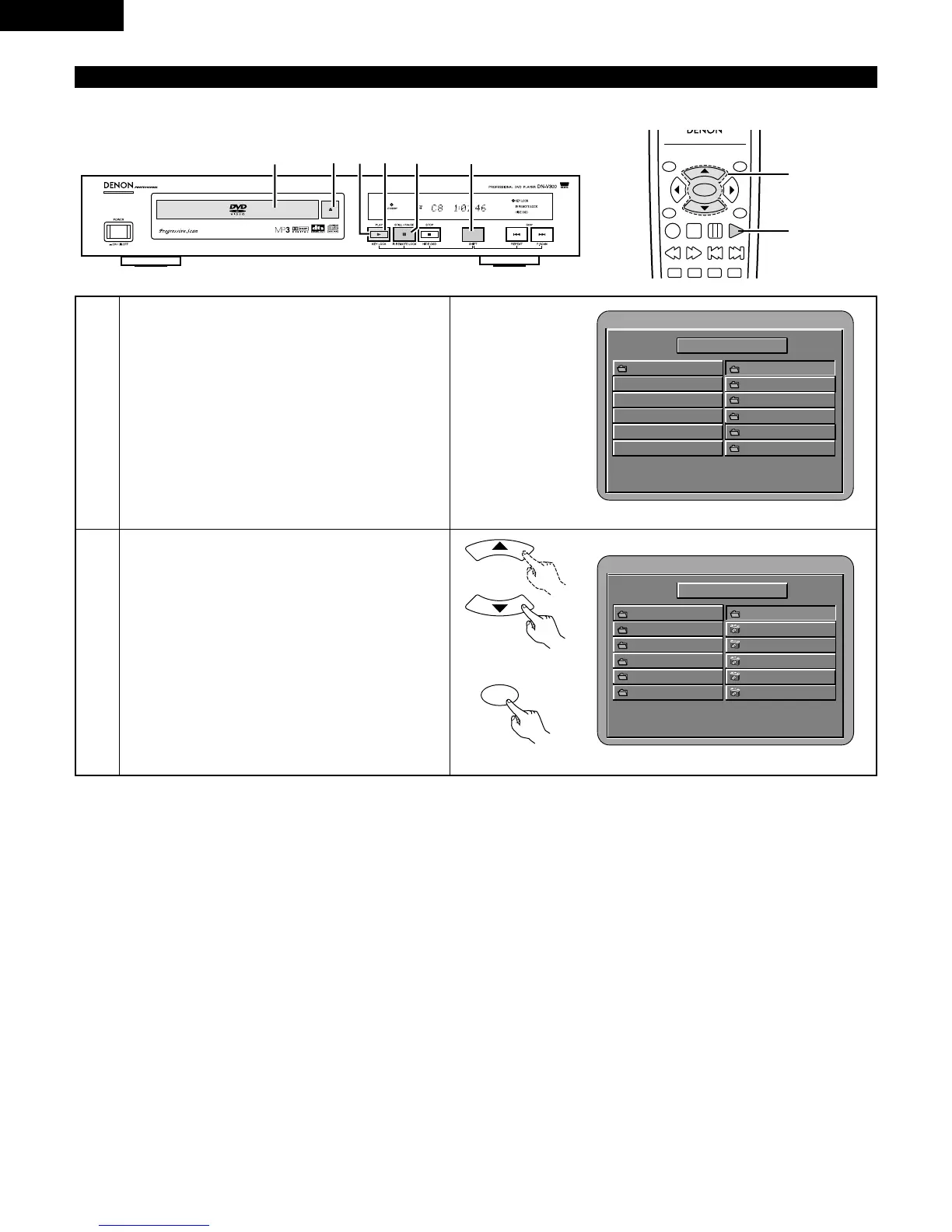
Load the CD-R/RW on which the bitmap image for
wallpaper have been written into the DN-V200/DN-
V300.
• When the disc is loaded in the DN-V200/DN-V300,
the disc information screen appears.
• If there are multiple folders proceed to step 2.
• If there are no folders on the disc, proceed to step
3.
• The bitmap image has to be created to serve as
wallpaper image. Refer to “NOTES:” on page 50.
2
Use the
•
and
ª
cursor buttons to select the folder
containing the file(s) you want to play, then press the
ENTER button.
✽
To change the folder
Use the
•
cursor button to select “ROOT” at the
upper right of the screen, then press the ENTER
button. The screen in step 1 reappears. Select the
desired folder.
Remote control unit



 To Next Page