3
Select the bitmap image to be set as the wallpaper
and play it.
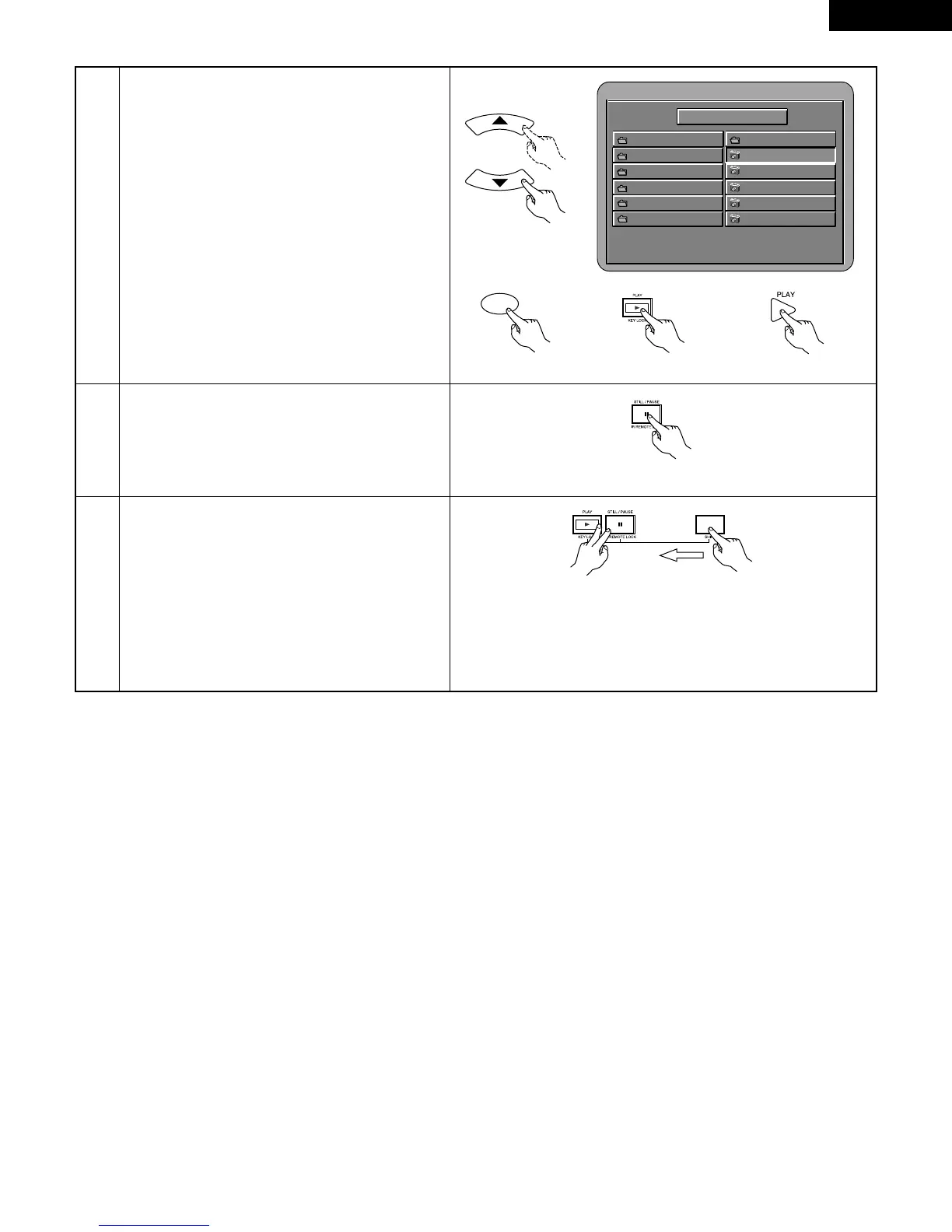
Use the
•
and
ª
cursor buttons on the remote
control unit to select the still picture file from which
you want to start the slide show, then press the
PLAY button or ENTER button on the remote control
unit.
• The slide show starts.
• Only the still picture files in the selected folder are
played.
✽
Once all the still picture files in the folder have
been played, the disc information screen reappears.
Remote control unit
Remote control unit
4
When the bitmap image which you want to change
is displayed, press the STILL/PAUSE button. The
slide show temporarily stops.
Main unit
5
Press the SHIFT, STILL/PAUSE and PLAY buttons
simultaneously for 3 seconds.
The DVD’s wallpaper switches to the selected bitmap
image.
✽
The data for the previously set wallpaper is deleted
from the DVD player’s memory.
✽
Please contact a dealer if you wish to set the
wallpaper back to a DENON Professional original
wallpaper.
Main unit



 To Next Page