Chapter 2 Getting Started the BHT and System Mode
Setting the communications protocol type
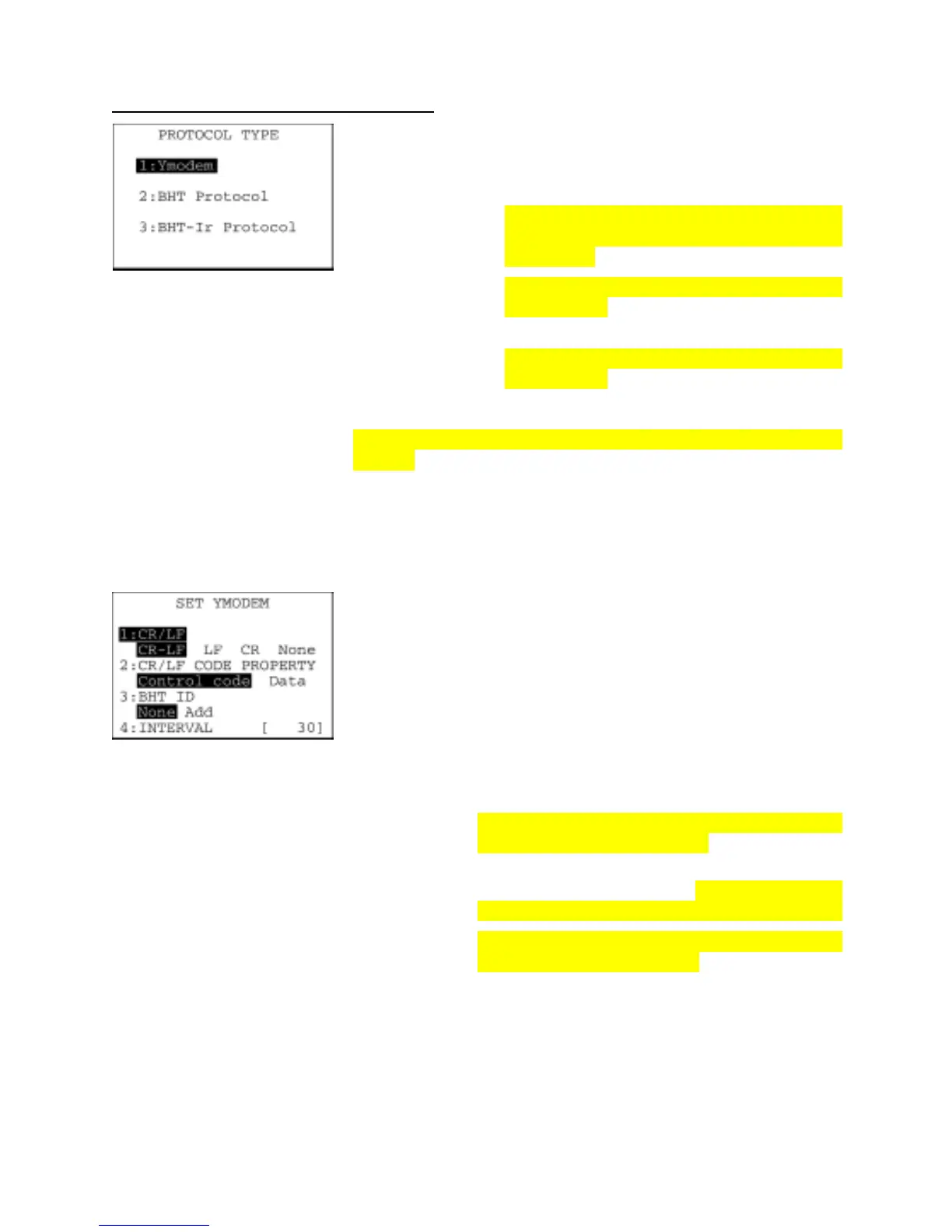
On the SET COMMUNICATION menu, select "4: PROTOCOL TYPE"
to call up the screen shown at left.
Highlighted is the current setting.
[1] Ymodem: Selects Ymodem for file transfer in System
Mode or for the execution of XFILE statement in
BHT-BASIC.
[2] BHT Protocol: Selects the BHT-protocol for file transfer in
System Mode or for the execution of XFILE
statement in BHT-BASIC.
[3] BHT-Ir Protocol: Selects the BHT-Ir protocol for file transfer in
System Mode or for the execution of XFILE
statement in BHT-BASIC.
To use BHT-BASIC4.0 Transfer Utility, select Ymodem or BHT-I
protocol.
Select a desired item by using the numerical keys or F5 and F6 keys,
and then press the ENT key.
To return to the SET COMMUNICATION menu, press the C key.
On the PROTOCOL TYPE screen, select "1: Ymodem" to call up the
screen shown at left.
[1] CR/LF: Specifies line delimiters.
[2] CR/LF PROPERTY:
Specifies the treatment of line delimiters in records
when data files are downloaded.
To treat line delimiters in records as separators,
select Control code; to treat them as data, select
Data.
[3] BHT ID: Specifies whether or not to add the BHT ID numbe
to packets in YMODEM transfer.
Usually select None. To add the BHT ID number in
a transfer tool, select Add. (This setting is not
supported. Changing this setting produces nothing.)
[4] INTERVAL: Specifies the retry interval within the range from 1
through 255 in units of 100 ms.
Select a desired item by using the numerical keys or F5 and F6 keys.
Then select a desired setting by using the F7 and F8 keys.
65



 To Next Page