Chapter 2 Getting Started the BHT and System Mode
Testing the direct-connect interface port
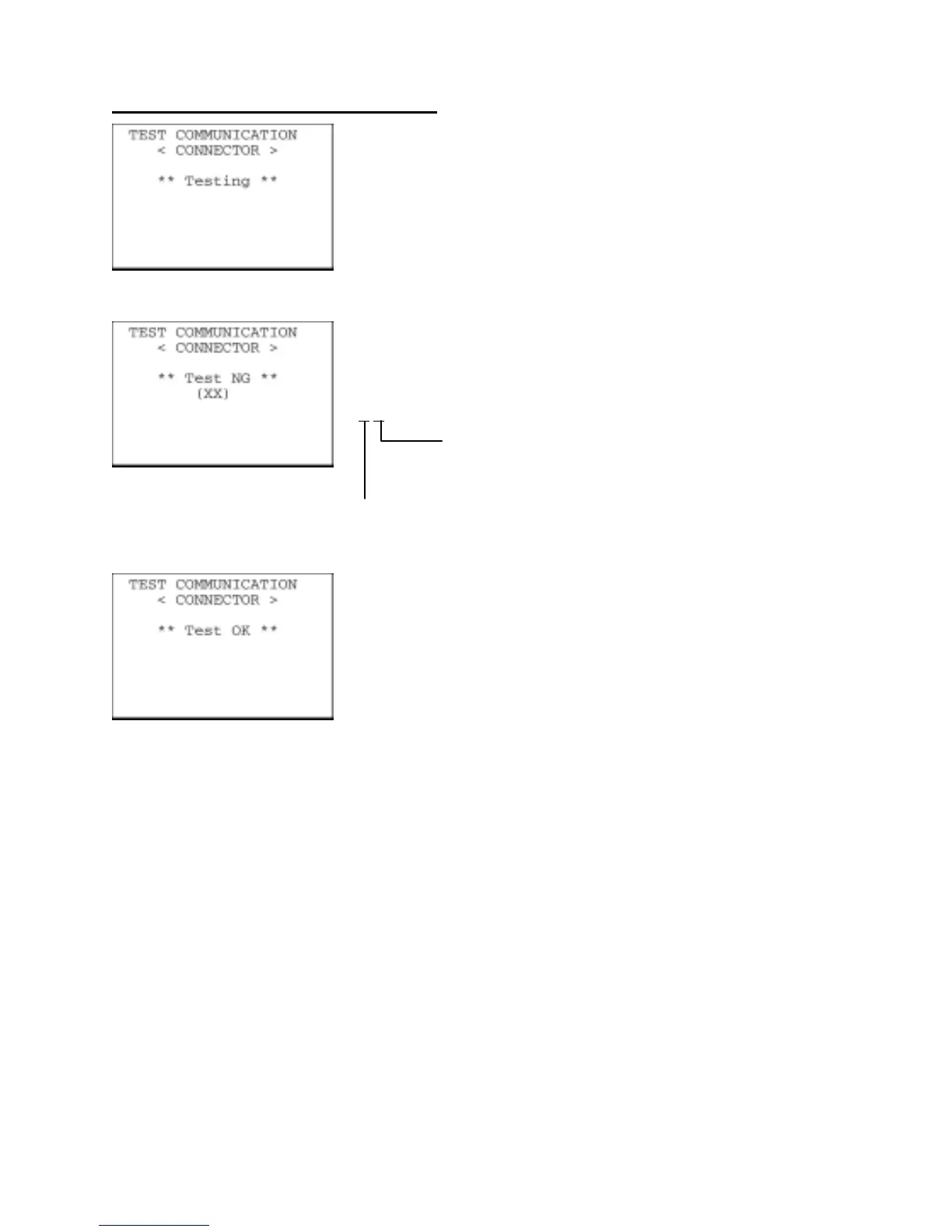
On the TEST COMMUNICATION menu, selecting "2: CONNECTOR"
displays the screen shown at left and then starts testing the
direct-connect interface port.
If any error occurs, the BHT beeps three times and shows the screen
at left.
In parentheses are error codes which have the following meanings:
(X
X)
1: The received data is different from the sent data.
2: A timeout has occurred during standby for data
reception.
1: 300 bps
2: 115200 bps
Upon normal completion of the test, the BHT beeps once and shows
the screen at left.
Press the C key to return to the TEST COMMUNICATION menu.
83



 To Next Page