Original User Guide | Impulse 2.0 Pedelec Version 3 EN-41
6.3.3 Battery charge level
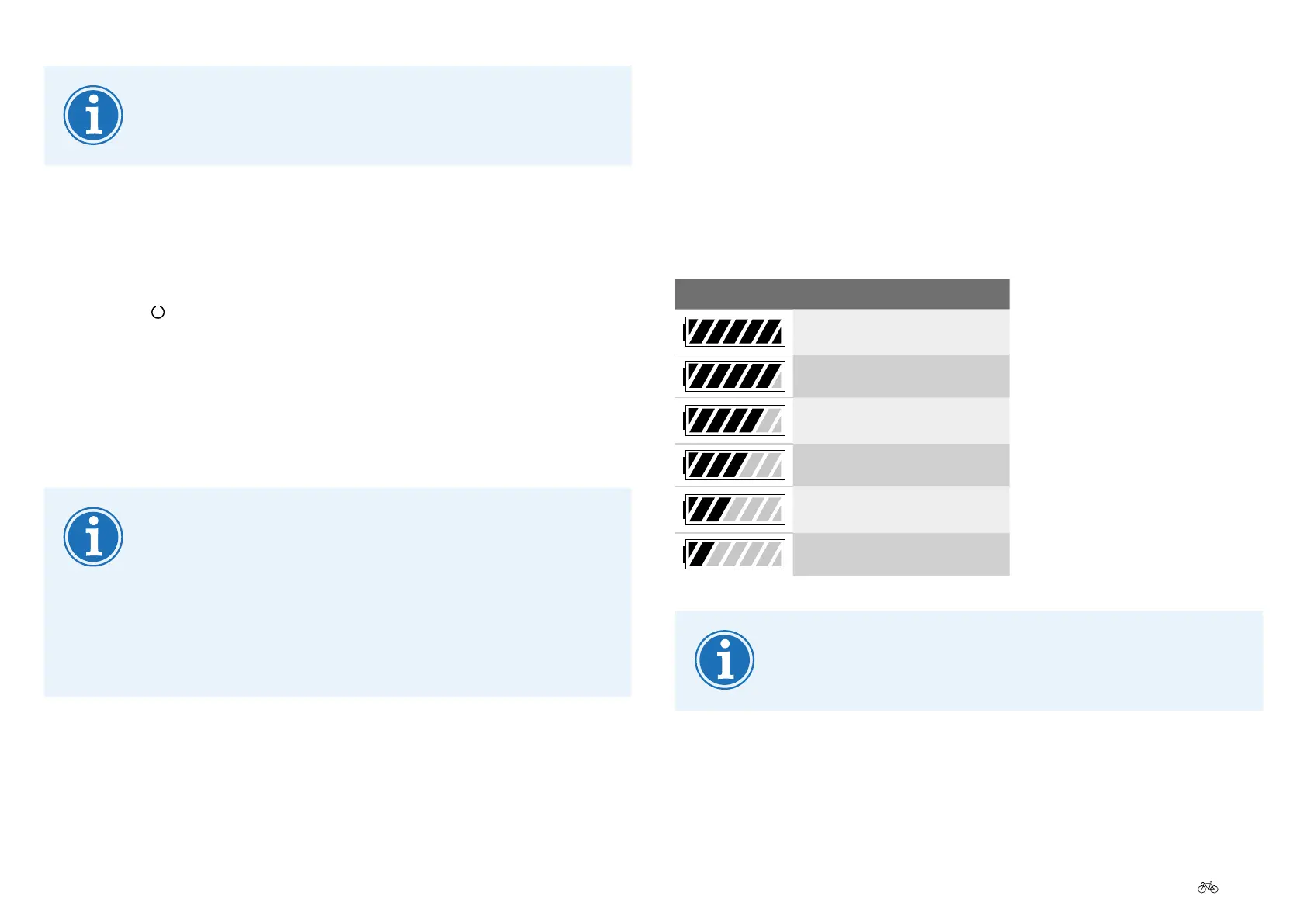
The battery charge level is shown in the top right of the display.
Information is displayed on a battery-shaped icon with seven segments,
telling you how full the battery is charged. The lower the battery charge
level, the fewer segments are displayed. If the battery falls below the
minimumchargelevel,theassistfunctionisalsoswitchedobythe
motor.
DISPLAY BATTERY CHARGE LEVEL
100 – 85.5%
85.5 – 71.5 %
71.5 – 57.5 %
57.5 – 42.5 %
42.5 – 28.5%
28.5 – 14.5%
The value displayed can change quickly when the
circumstances change, such as when riding up an incline
afteralong,atstretch.
Down tube battery: Afterswitchingon,waitveseconds
beforeyouseto.Otherwise,youwillnotbeprovidedwith
the full assist level.
6.3.2 Switchingothepedelec
On the easy-reach control
1. Press the button on the easy-reach control for one second.
TheImpulse2.0systemswitcheso.
Via the battery
1. Brieypressthebatterybuttontwice.TheImpulse2.0system
switchesoafterafewseconds.
YoucanswitchoyourImpulse2.0pedelecfromanylevel
in the menu. You do not have to display the start menu to do
this.
Thelastconguredsettingsremainsaved.
If the pedelec remains stationary for about 20 minutes the
Impulse2.0switchesitselfo.











 To Next Page