EN-50 Original User Guide | Impulse 2.0 Pedelec Version 3
6.8.2.4 Contrast
Path: Device settings I Display I Contrast
You can adjust the contrast of the display to improve legibility:
1. In the main menu, navigate to the option "Contrast" as described
under 6.8.1.2 Navigating within a menu P. EN-45.
You can choose between:
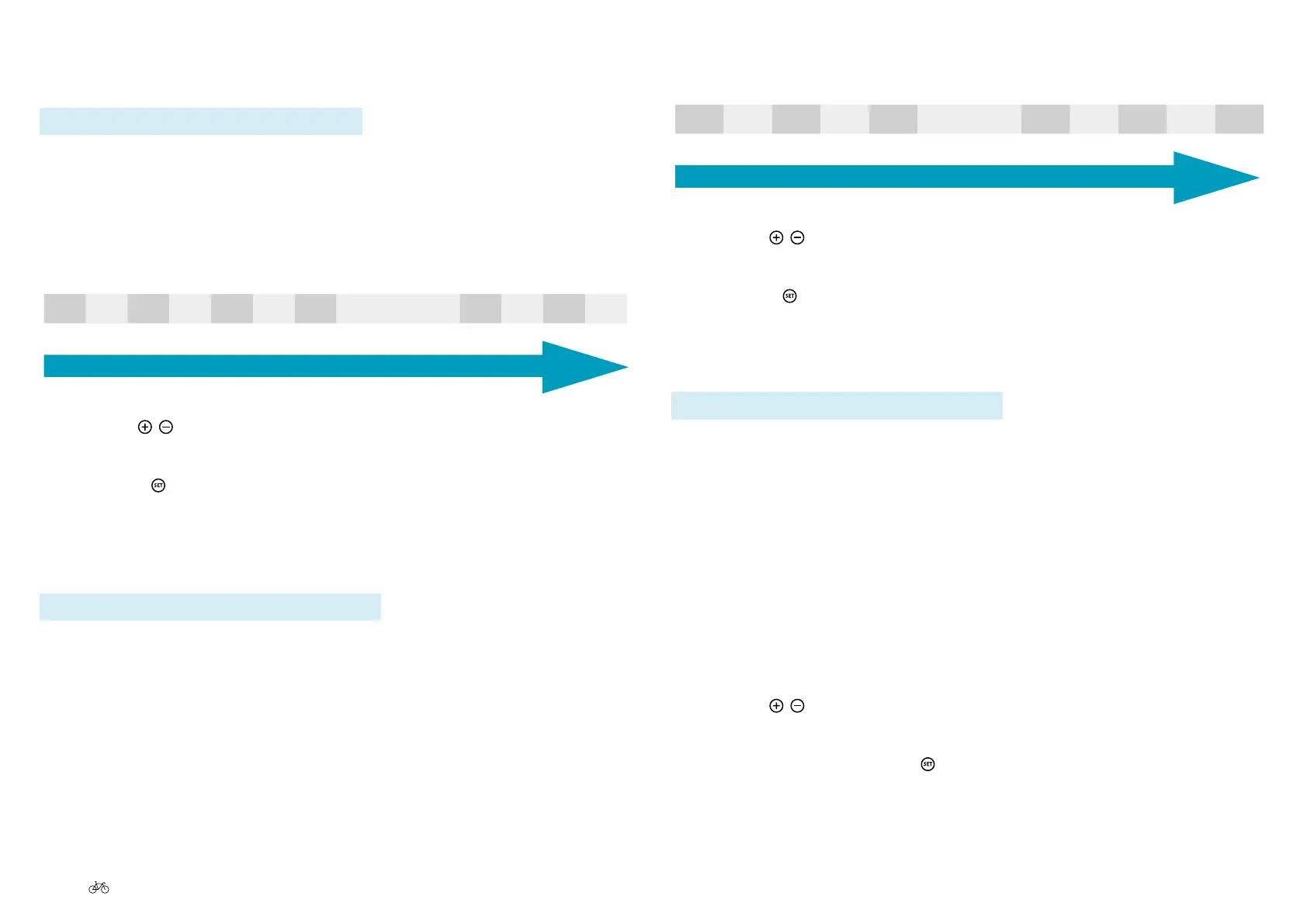
-35% -30% -25% -20% -15% -10% - 5% Default 5% 10% 15% 20%
Weak contrast
Strong contrast
2. Use the
/ buttons to select the contrast strength required.
The selected contrast level is highlighted in bold.
3. Press the
buttontoconrm.Youwillreturntothesub-menu2level.
6.8.2.5 Brightness
Path: Device settings I Display I Brightness
You can adjust the brightness of the display to improve legibility:
1. In the main menu, navigate to the option "Brightness" as described
under 6.8.1.2 Navigating within a menu P. EN-45.
You can choose between:
0% 5% 10% 15% 20% Default 30% 35% 40% 45% 50%
Very dark
Very bright
2. Use the
/ buttons to select the brightness required.
The selected brightness level is highlighted in bold.
3. Press the
buttontoconrm.Youwillreturntothesub-menu2level.
6.8.2.6 Language
Path: Device settings I Display I Language
The option "Language" allows you to select the language in which the
display text appears. You can choose between:
» Deutsch » Español
» English » Italiano
» Français » Suomi
» Nederlands » Dansk
1. In the main menu, navigate to the option "Language" as described
under 6.8.1.2 Navigating within a menu P. EN-45.
2. Use the
/ buttons to select the desired language.
The selected language is highlighted in bold.
3. Conrmbybrieypressing
. You will return to the sub-menu 2 level.



 To Next Page