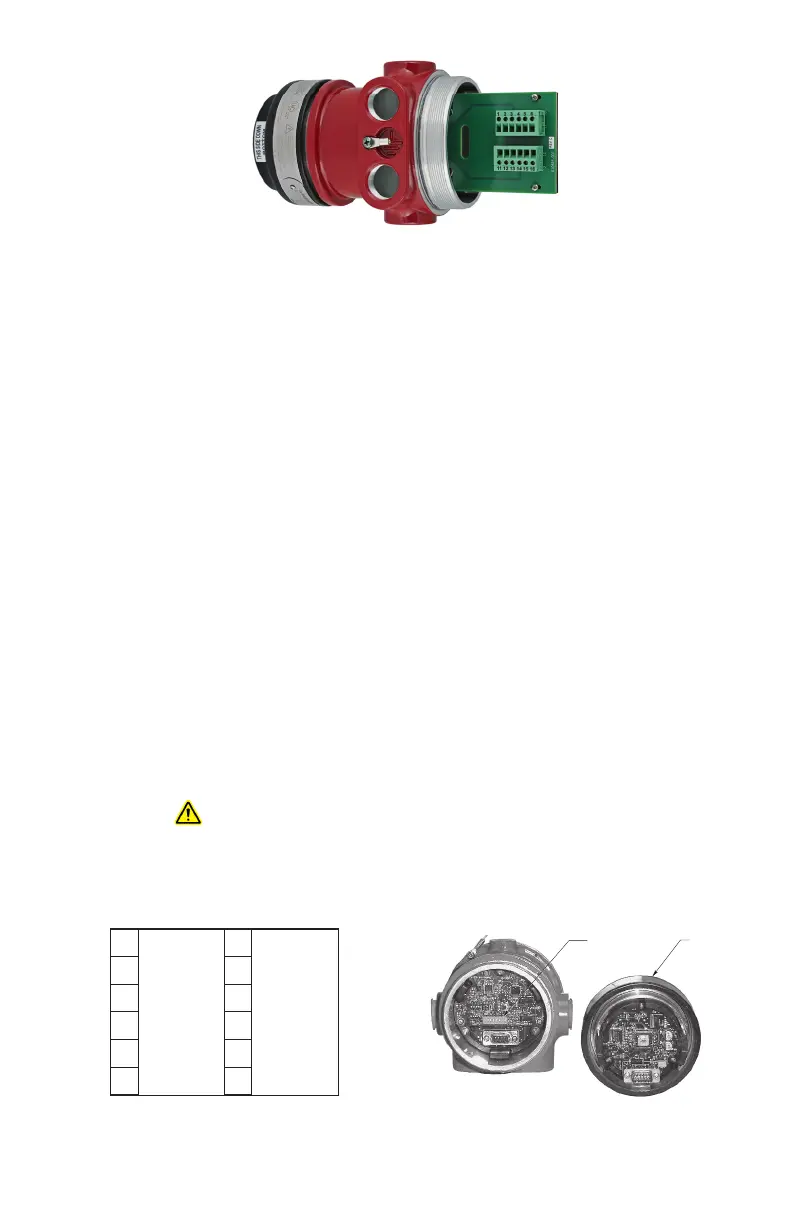
95-8768122.1
SETTING DEVICE NETWORK ADDRESSES
(EQP Model Only)
Overview of Network Addresses
Each device on the LON must be assigned a
unique address. Addresses 1 to 4 are reserved
for the controller. Valid addresses for field
devices are from 5 to 250.
IMPORTANT
If the address is set to zero or an address
above 250, the switch setting will be
ignored.
Duplicated addresses are not automatically
detected. Modules given the same address will
use the number given and report to the controller
using that address. The status word will show the
latest update, which could be from any of the
reporting modules using that address.
Setting Field Device Addresses
Selection of the node address is done by setting
rocker switches on an 8 switch “DIP Switch
Assembly” within the detector’s housing. Refer to
Figure 17 for switch location.
WARNING
The network address switches are located
within the detector housing. Disassembly
of the detector head that contains
powered electrical circuits is required
to gain access to the network address
switches. For hazardous areas, the area
must be de-classified before attempting
disassembly of the device. Always observe
precautions for handling electrostatic
sensitive devices.
The address number is binary encoded with
each switch having a specific binary value with
switch 1 being the LSB (Least Significant Bit), see
Figure 18. The device’s LON address is equal to
the added value of all closed rocker switches. All
“Open” switches are ignored.
Example: for node No. 5, close rocker switches
1 and 3 (binary values 1 + 4); for node No. 25,
close rocker switches 1, 4 and 5 (binary values
1 + 8 + 16).
NOTE
The field device sets the LON address
only when power is applied to the device.
Therefore, it is important to set the switches
before applying power. If an address is
ever changed, system power must be
cycled before the new address will take
effect.
After setting address switches, record the
address number and device type.
ADDRESS SWITCHES SENSOR MODULE
REMOVED FROM HOUSING
A2191
Figure 17
—
Location of Address Switches
6
5
4
3
2
1
16
15
14
13
12
11
COM SHIELD
COM SHIELD
COM 1 A
COM 2 A
COM 1 B
COM 2 B
POWER SHIELD
POWER SHIELD
+Vin
+Vin
–Vin
–Vin
Figure 15
—
X3302 Terminal Block (EQP Model)
Figure 16
—
Wiring Terminal Identication for X3302 EQP Model














 To Next Page