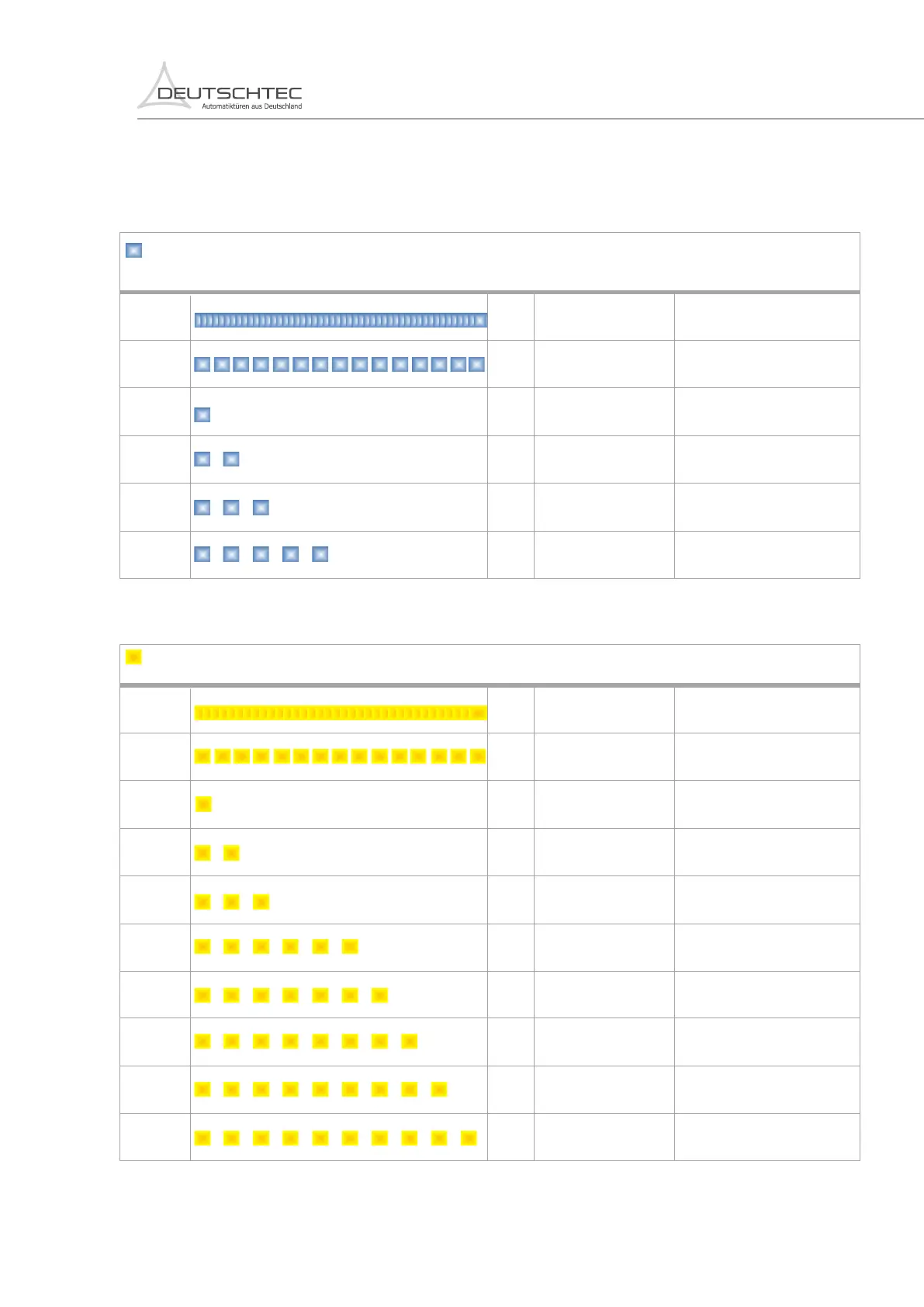
12. LED Status Error Codes
Note: Blue LED information are only shown in installation mode! SLT right or jumper right position.
Case
Required action
Status
Error
Code on
Digital Key
Permanent
1 2 3 4 5 6 7 8 9 10
Delivery condition
Blue LED
Fast blink
1 blink
2 blinks
3 blinks
5 blinks
Initial scan is in progress
Opening width during
learning drive not ok
SLT or jumper settings
are ok
Max door leaf weight is
exceeded or door is
blocked
SLT or jumper settings
not ok
10
12
13
14
15
11
Start initial scan.
Opening width needs more than
400mm per leaf. Check distance!
Check the weight of the door and
if the door is blocked.
--
--
--
Check SLT potentiometer or
Jumper position.
Permanent
1 2 3 4 5 6 7 8 9 10
Yellow LED
Fast blink
1 blinks
2 blinks
3 blinks
6 blinks
--
7 blinks
8 blinks
9 blinks
10 blinks
Over load cut off
Outside sensor activated
Inside sensor activated
Power supply error
Door is locked
Door is blocked
Door can not close
Door is closing
Not referenced
Key switch error
Check mechanical installation.
Check outside sensing area or
adjustment of sensor.
Check wiring and connections.
Check the electromechanical lock.
Check for present obstacles.
Activate sensor.
Check position of key switch or
cable connection.
Check inside sensing area or
adjustment of sensor.
120
111
100
142
130
109
121
101
145
Check for mechanical problems.
110
Note: Yellow codes are disturbances which in some cases may get reset by the system automatically.
41
EN.22.04032019



 To Next Page