Website: www.devicewell.com Email: support@devicewell.cn 31
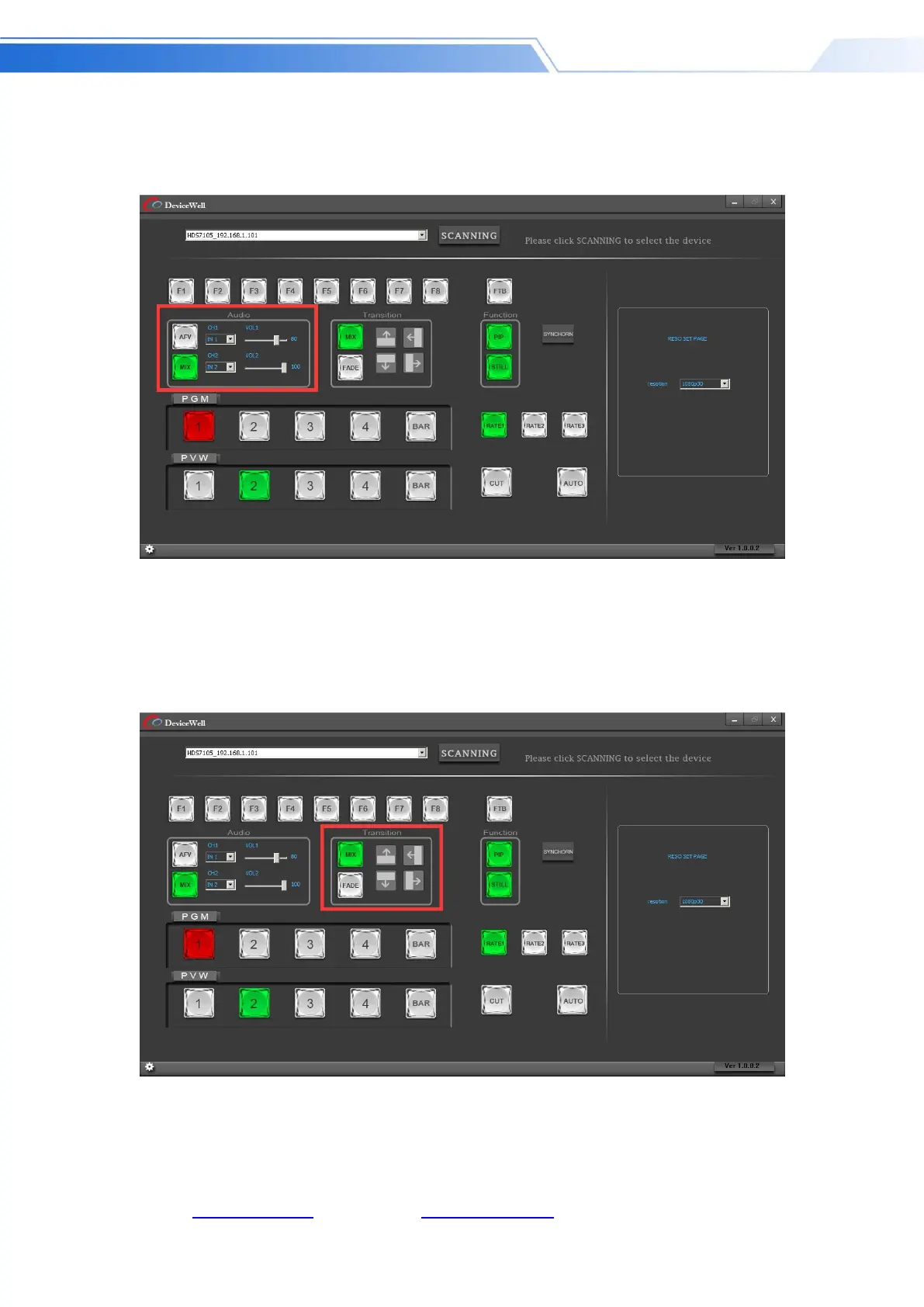
panel to select the audio channel. If you need to increase or decrease the volume, you can set the
volume from 0 to 100 through the slider. As shown
below
Transition effect control area
In the transition effect control area, you can press MIX (mixed transition), FADE
(fade in and fade out transition) and up, down, left, right, up and down to six special
effect transition settings. As shown
below
In the transition control area, you can set the transition rate. Press RATE1, RATE2, and RATE3 on
the panel to control the transition rate definition. It's effective only when playing.



 To Next Page