neoprobe
TM
GDS Operation Manual
AW-000639 Page 5 of 38
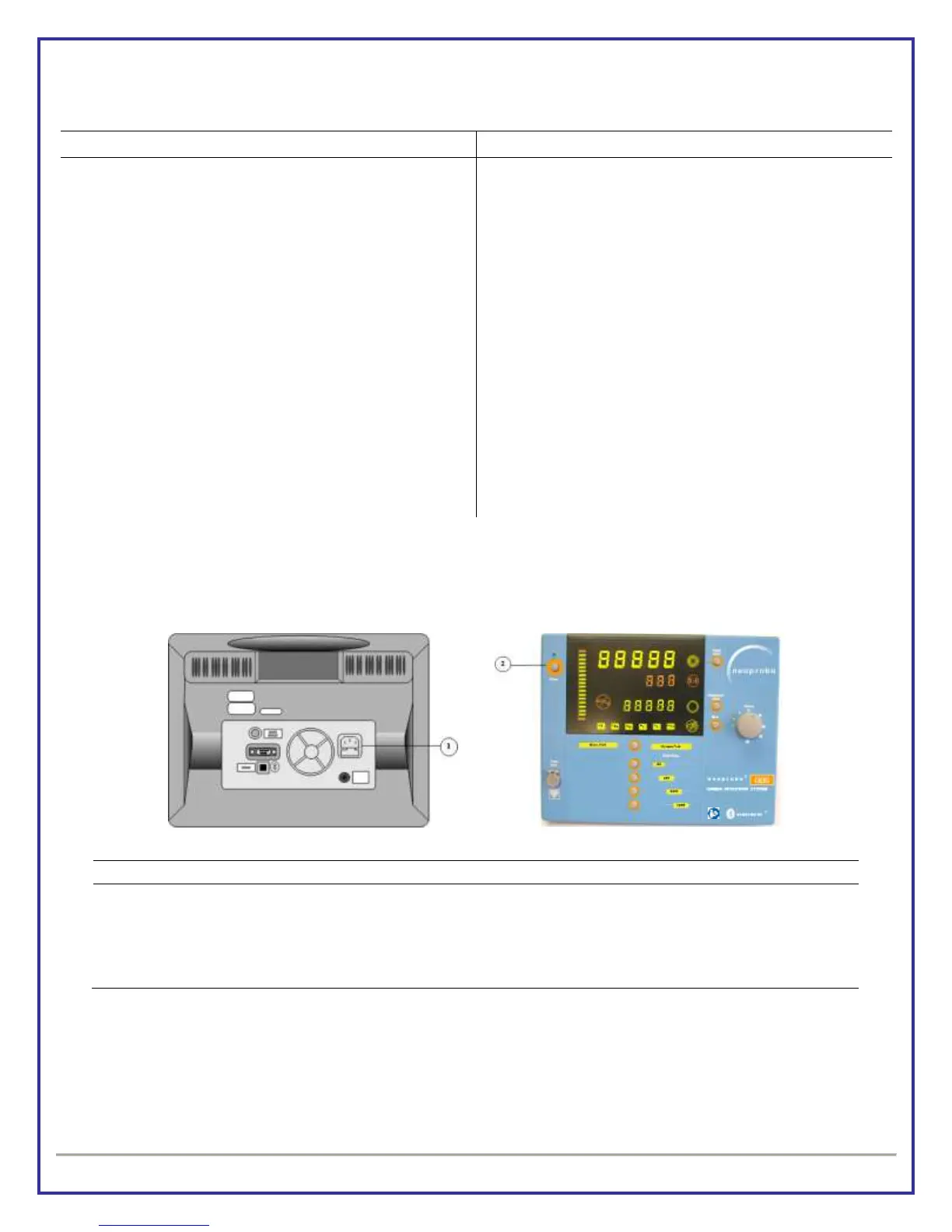
Standby/On Switch and Indicator Light
“No Probe Connected” Symbol
Radionuclide Selection Indicators
Binary/Dynamic Pitch mode buttons and indicators
Dynamic Pitch Range Buttons And Indicator Lights
EC Authorized Representative Tag
Radionuclide Selector Button
BLUETOOTH
®
indicator light
Equipotential Contact Point
NOTE: [Numbers] are repeated in following text to identify indicator or control.
* Functionality of button [11] same as button on probe with BLUETOOTH
®
wireless technology. See wireless probe
operation manual.
2. EQUIPMENT ASSEMBLY
Connect Model 2009 power cord to console and into AC power source. DO NOT USE EXTENSION
CORD. Maintain proper clearance for access to AC Power Inlet Connector for disconnection from
mains power.
Press and release Standby/On button
Console powers on; displays software version; and operates in Dynamic Pitch Mode
NOTE: Console is equipped with BLUETOOTH
®
wireless technology and is compatible with both BLUETOOTH
®
wireless technology enabled probes and cabled probes. User can select either probe type to use with console. A
wireless probe cannot be operated at the same time a cabled probe is in use.
Artwork No: AW-000639 Revision: A Artwork Status: Released Lifecycle Name: Artwork
PCO No: N/A ECN No: ECN-000214 Release Date: 10/09/2012 Effective Date: 10/09/2012


 To Next Page