Network configuration 35
devolo dLAN pro 1200+ WiFi ac
4.3.1 dLAN status
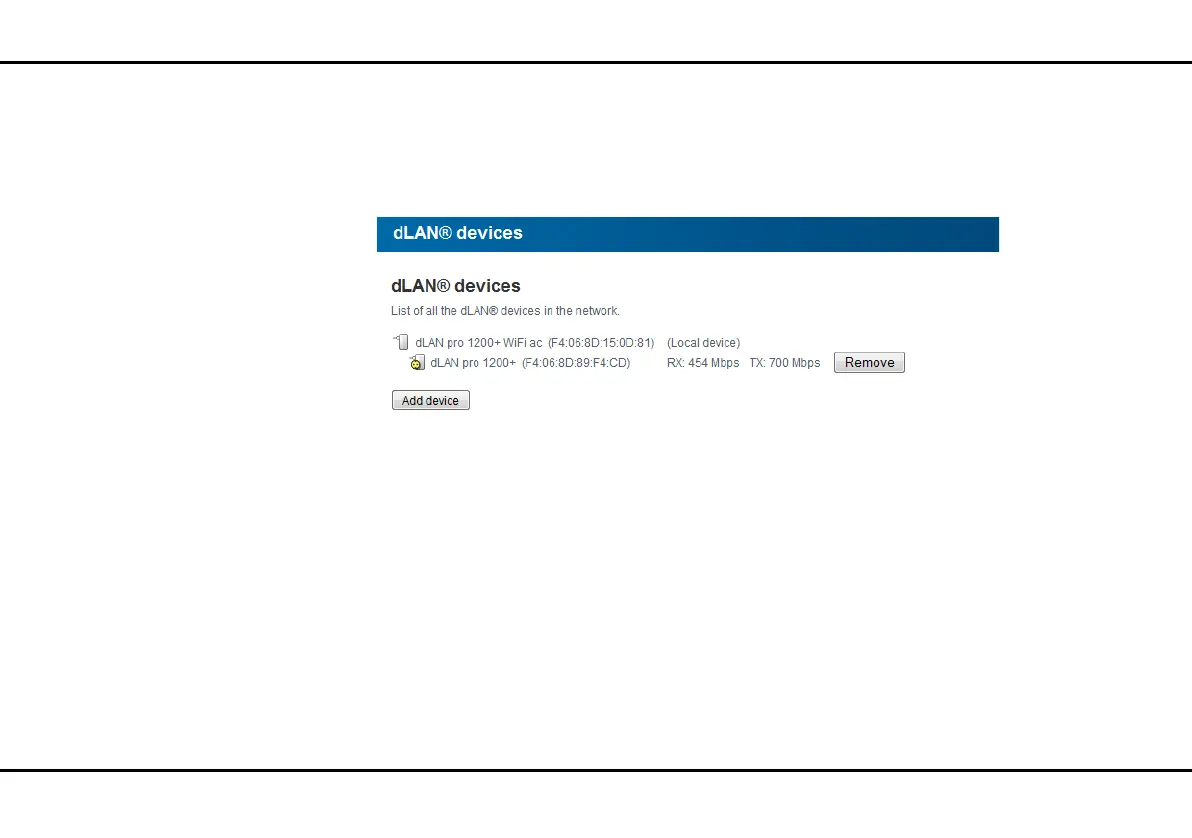
To display all connected dLAN devices, click either the
house icon or the dLAN devices arrow. Each con-
nected dLAN device, regardless of whether it is con-
nected locally or remote in the network, is displayed
with its MAC address. Clicking the lock icon brings you
directly to the dLAN settings (see 4.4.3 dLAN set-
tings).
4.3.2 Wi-Fi status
Clicking the Wi-Fi icon brings you directly to the Wi-Fi
configuration area (see 4.5 Wi-Fi configuration),
where you can configure settings for Wi-Fi network se-
curity. Using Mode, Number of access points and
Connected stations for each frequency band, you
can also see the current Wi-Fi status of the device.













 To Next Page