21 Introduction
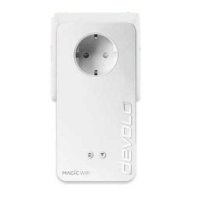
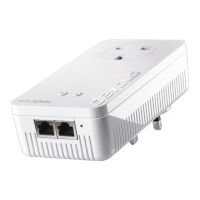
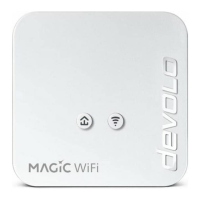
devolo Magic 1 WiFi mini
Before the networking procedure, write down
the Wi-Fi key of the devolo Magic 1 WiFi mini.
You can find the device's unique key on the la-
bel on the rear side of the housing.
In order to connect the
devolo Magic 1 WiFi mini with your laptop, ta-
blet or smartphone later via Wi-Fi, enter the no-
ted Wi-Fi key as the network security key.
b In order to switch Wi-Fi off, press and hold the
Wi-Fi button longer than 3 seconds.
b In order to switch Wi-Fi back on, briefly tap
the Wi-Fi button.
Connecting WiFi devices via WPS
b If the device is still on factory defaults, tap the
Wi-Fi button in order to activate WPS.
b If the Wi-Fi connection was switched off and
you would like to activate WPS, press the Wi-
Fi button twice; once to switch Wi-Fi on, and
again to activate WPS.
b If the Wi-Fi connection is switched on and you
want to copy these settings to another
devolo Magic adapter, continue reading with
the Chapter 4.7.5 Config Sync.
WPS is one of the encryption standards deve-
loped by the Wi-Fi Alliance. The objective of
WPS is to make it easier to add devices to an exi-
sting network. For more detailed information,
refer to Chapter 4.4.7 WiFi Protected Setup
(WPS).
Magic_1_WiFi_mini.book Seite 21 Mittwoch, 16. Oktober 2019 11:27 11












 To Next Page
