Initial use 28
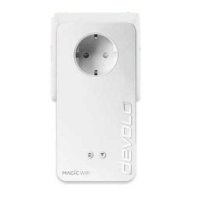
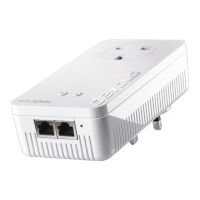
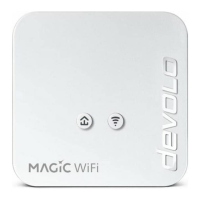
devolo Magic 1 WiFi mini
Downloading the
devolo Home Networking App
The devolo Home Networking App is devolo's free
app also for checking and configuring WiFi, Magic
and LAN connections for the devolo Magic adapter
(using a smartphone or tablet). The smartphone or
tablet connects to the devolo Magic adapter at
home over Wi-Fi.
1 Download the devolo Home Networking App
to your smartphone or tablet computer from
the corresponding store.
2 The devolo Home Networking App is placed in
your smartphone's or tablet's app list as usual.
Tapping on the devolo Home Networking App
icon brings you to the start menu.
You can find more information about the
devolo Home Networking App online at
www.devolo.com/devolo-app
.
3.5 Removing the devolo Magic
adapter from a PLC network
To remove a devolo Magic adapter from your net-
work and successfully restore its entire configurati-
on to the factory default settings, press the reset
button longer than 10 seconds. Wait until the LED
flashes white and then disconnect the adapter
from the mains supply.
Keep in mind that all settings that have already
been made will be lost!
To integrate the mains supply into another net-
work, proceed as described in Chapter 3.3.2 Addi-
tion – Expanding an existing Powerline network
by adding another devolo Magic 1 WiFi mini.
Magic_1_WiFi_mini.book Seite 28 Mittwoch, 16. Oktober 2019 11:27 11












 To Next Page
