www.dfi .com
19
Chapter 2 Hardware Installation
Chapter 2
Important:
When installing Windows 7, only native USB 2.0 devices (USB port 0 to USB port 3)
can operate under DOS mode. Please refer to the following tables for more infomation
on the type of USB ports.
Operation
Environment
for Customers
DOS Windows 7 Windows 8.x Linux
OS Selection
in the BIOS
Advanced Menu
Windows 8.x Windows 7 Windows 8.x Windows 8.x
Available USB
ports
All
When installing Windows 7 fi rst
time, only native USB 2.0 ports
can work. Please refer to the
USB type in table 2 below.
All All
Table 1. OS Selection
Model Name BT253
USB 3.0
Native
USB 0
Native
USB 1
Native
USB 2
Native (share with USB 3.0 port)
USB 3
Native
USB 4
HSIC port 0
USB 5
HSIC port 1
USB 6
HSIC port 2
USB 7
HSIC port 3
Table 2. The Type of USB Ports
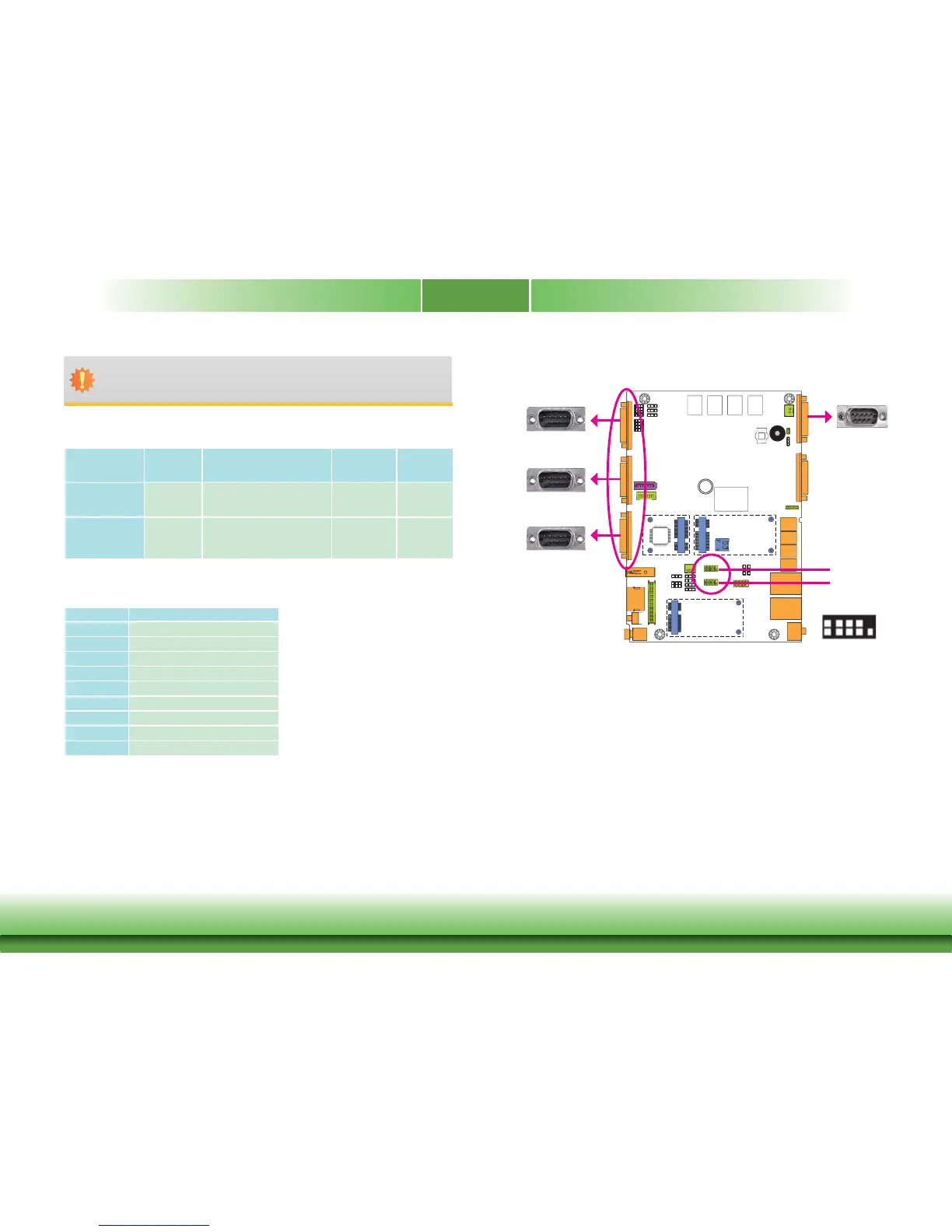
COM (Serial) Ports
The serial ports are asynchronous communication ports with 16C550A-compatible UARTs that
can be used with modems, serial printers, remote display terminals, and other serial devices.
BIOS Setting
Configure the serial ports in the Integrated Peripherals submenu (“NCT6106D Super I/O Con-
figuration” section) of the BIOS. Refer to chapter 3 for more information.
3
COM 1/COM 2/COM 4:
RS232/RS422/RS485
COM 4/8-bit DIO
COM 2
COM 1
COM 3:
RS232/RS422/RS485
COM 6
COM 5
COM 5/COM 6:
RS232
1
2
9
DCD-
TD
GND
RTS-
RI-
RD
DTR-
DSR-
CTS-



 To Next Page