www.df .com
56
Chapter 4 Supported Softw are
Chapter 4
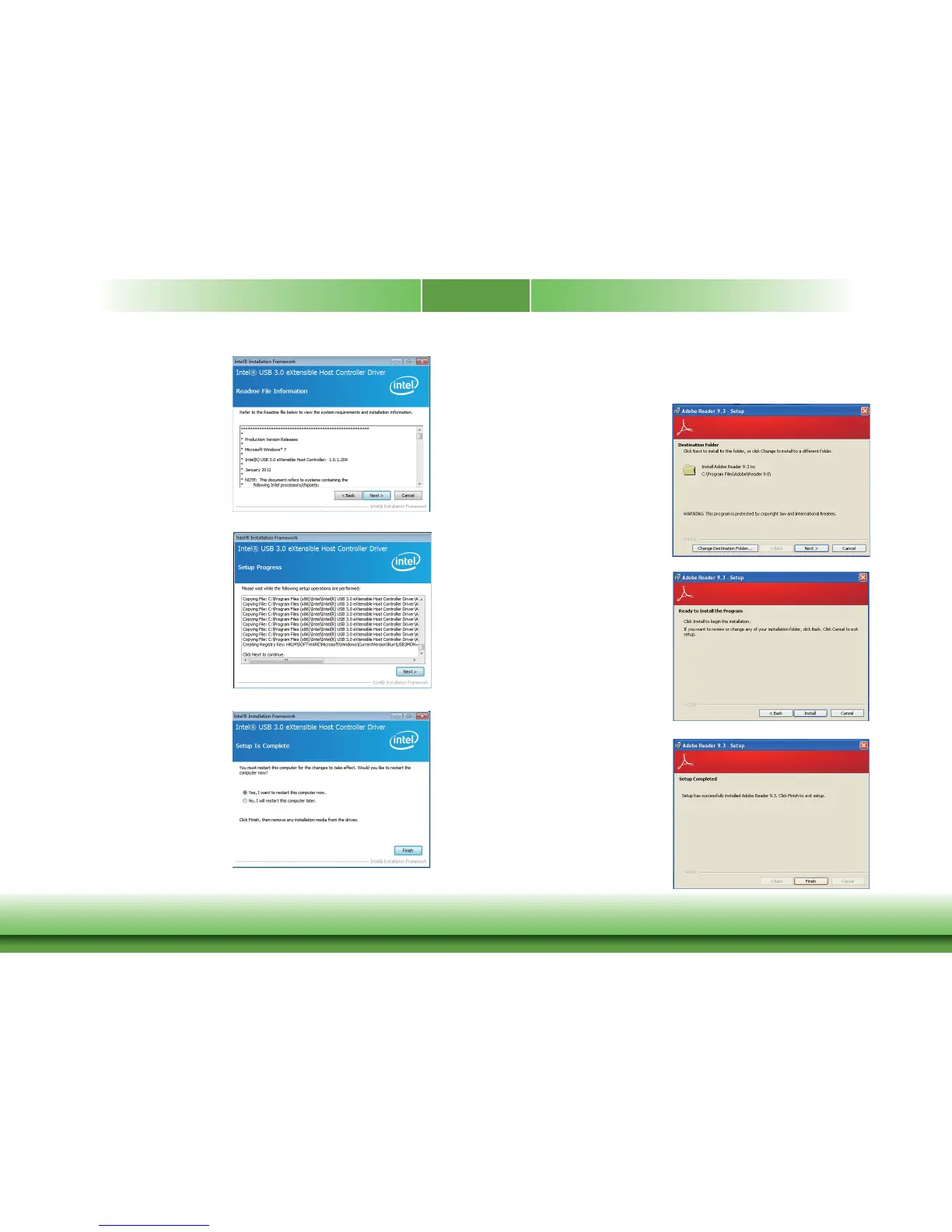
3. Go through the readme docu-
ment for more installation tips
then click Next.
4. Setup is currently installing the
driver. After installation has com-
pleted, click Next.
5. After completing installation, click
Finish.
Adobe Acrobat Reader 9.3
To install the reader, click “Adobe Acrobat R eader 9.3” on the main menu.
1. Click Next to install or click
Change Destination F older to
select another f older.
2. Click Install to begin installation.
3. Click Finish to exit installation.



 To Next Page