www.df .com
50
Chapter 4 Supported Softw are
Chapter 4
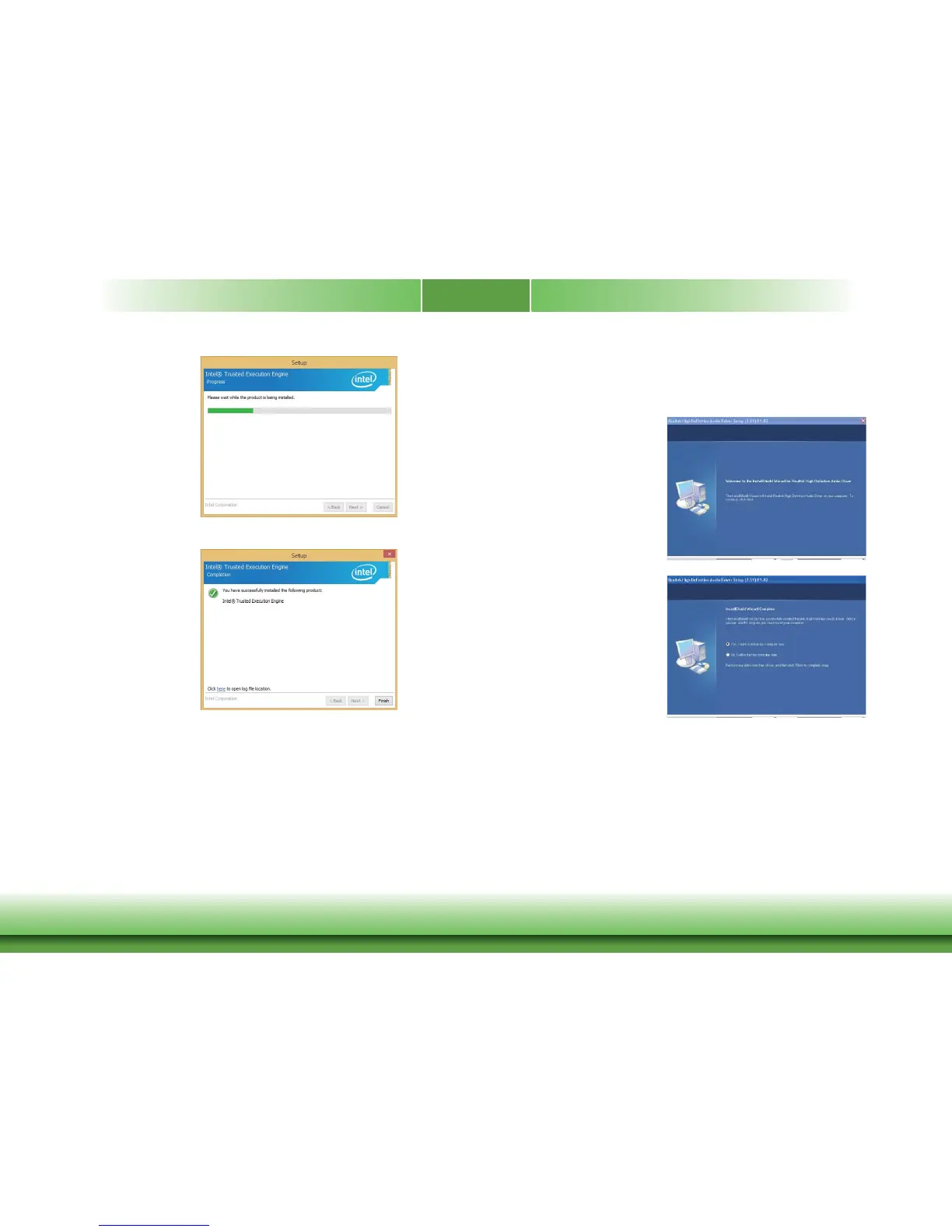
3. The step displa ys the
installing status in the
progress.
4. Click “Finish“ when the
installation is complete.
1. Setup is now ready to install the
audio driver. Click Next.
2. Follow the remainder of the steps
on the screen; clicking “Next ”
each time y ou finish a step .
3. Click “Yes, I w ant to restart m y
computer now” then click Finish.
Restarting the system will allow the
new software installation to tak e
effect.
Realtek Audio Drivers
To install the driv er, click “R ealtek Audio Driv ers” on the main menu .



 To Next Page