www.dfi .com
21
Chapter 2 Hardware Installation
Chapter 2
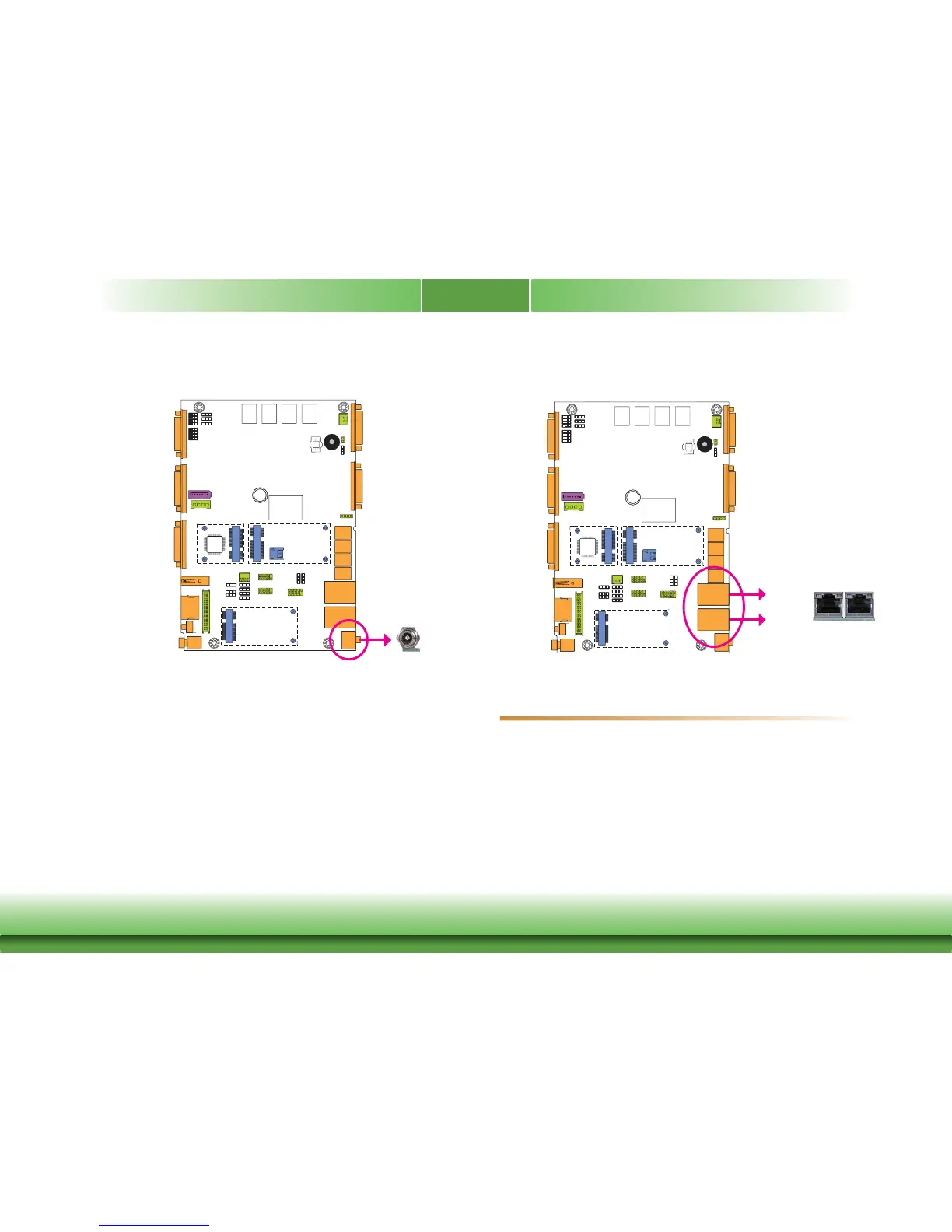
16~24V DC-in
3
This jack provides maximum of 120W power and is considered a low power solution. Connect
a DC power cord to this jack. Use a power adapter within 16~24V DC output voltage. Using a
voltage out of the range 16~24V may fail to boot the system or cause damage to the system
board.
DC-in
RJ45 LAN Ports
LAN 1
LAN 2
Features
• 2 Intel
®
I210 PCI Express Gigabit Ethernet controllers
The LAN ports allow the system board to connect to a local area network by means of a net-
work hub.
Driver Installation
Install the LAN drivers. Refer to chapter 4 for more information.
3



 To Next Page