Chapter 3
www.df .com
43
Chapter 3 BIOS Setup
Boot
Number of seconds to
wait for setup activation
key.
65535(0xFFFF) means
indefi nite waiting.
Version 2.16.1242. Copyright (C) 2013 American Megatrends, Inc.
Boot Confi guration
Setup Prompt Timeout
Bootup NumLock State
Boot Option Priorities
Boot Option #1
Save & ExitChipset
Advanced
Security
Main
Boot
Select Screen
Select Item
Enter: Select
+/
-:
Change Opt.
F1: General Help
F2: Previous Values
F4: Save & Reset
ESC: Exit
1
[On]
[UEFI: Built-in EFI...]
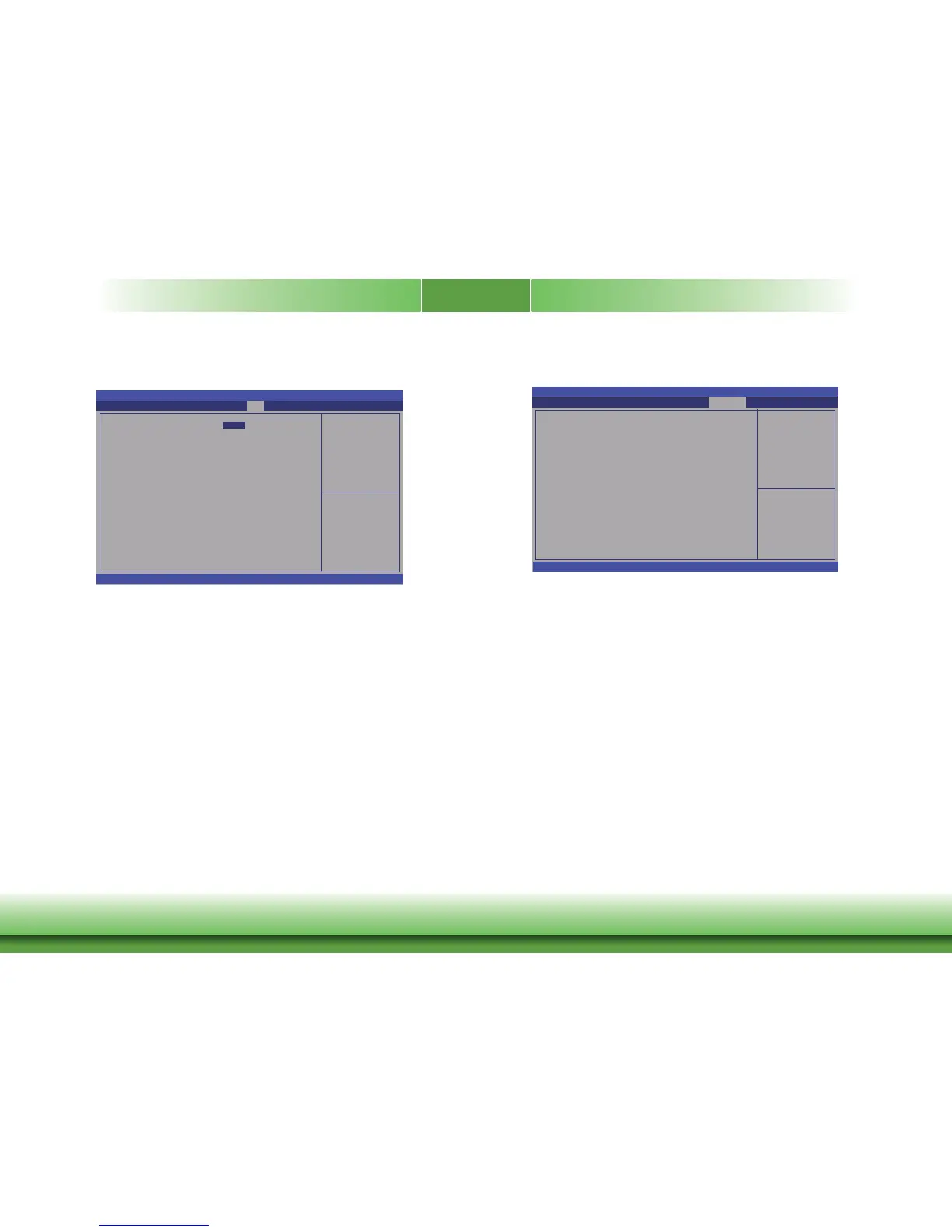
Setup Prompt Timeout
Select the number of seconds to w ait for the setup activ ation key. 65535(0xFFFF)
denotes indefinite w
aiting.
Bootup NumLock State
This allows y ou to determine the def ault state of the numeric k eypad. By default, the
system boots up with NumLock on wherein the f
unction of the numeric k eypad is the
number keys. When set to Of f, the f unction of the numeric k eypad is the arrow k eys.
Boot Option #1
Select the system boot order .
Aptio Setup Utility - Copyright (C) 2013 American Megatrends, Inc.
Save & Exit
Reset the system after
saving the changes.
Aptio Setup Utility - Copyright (C) 2013 American Megatrends, Inc.
Version 2.16.1242. Copyright (C) 2013 American Megatrends, Inc.
Save Changes and Reset
Discard Changes and Reset
Restore Defaults
Boot Override
UEFI: Built-in EFI Shell
Chipset
Advanced
Main
BootSecurity Save & Exit
Select Screen
Select Item
Enter: Select
+/
-:
Change Opt.
F1: General Help
F2: Previous Values
F4: Save & Reset
ESC: Exit
Save Changes and Reset
To save the changes, select this field and then press <Enter>. A dialog bo x will
appear
. Select Yes to reset the system after sa ving all changes made
.
Discard Changes and Reset
To discard the changes, select this field and then press <Enter>. A dialog bo x will
appear
. Select Yes to reset the system setup without sa ving any changes.
Restore Defaults
To restore and load the optimized def ault values, select this field and then press
<Enter>. A dialog bo
x will appear. Select Yes to restore the def ault values of all the
setup options.



 To Next Page