www.df .com
55
Chapter 4 Supported Softw are
Chapter 4
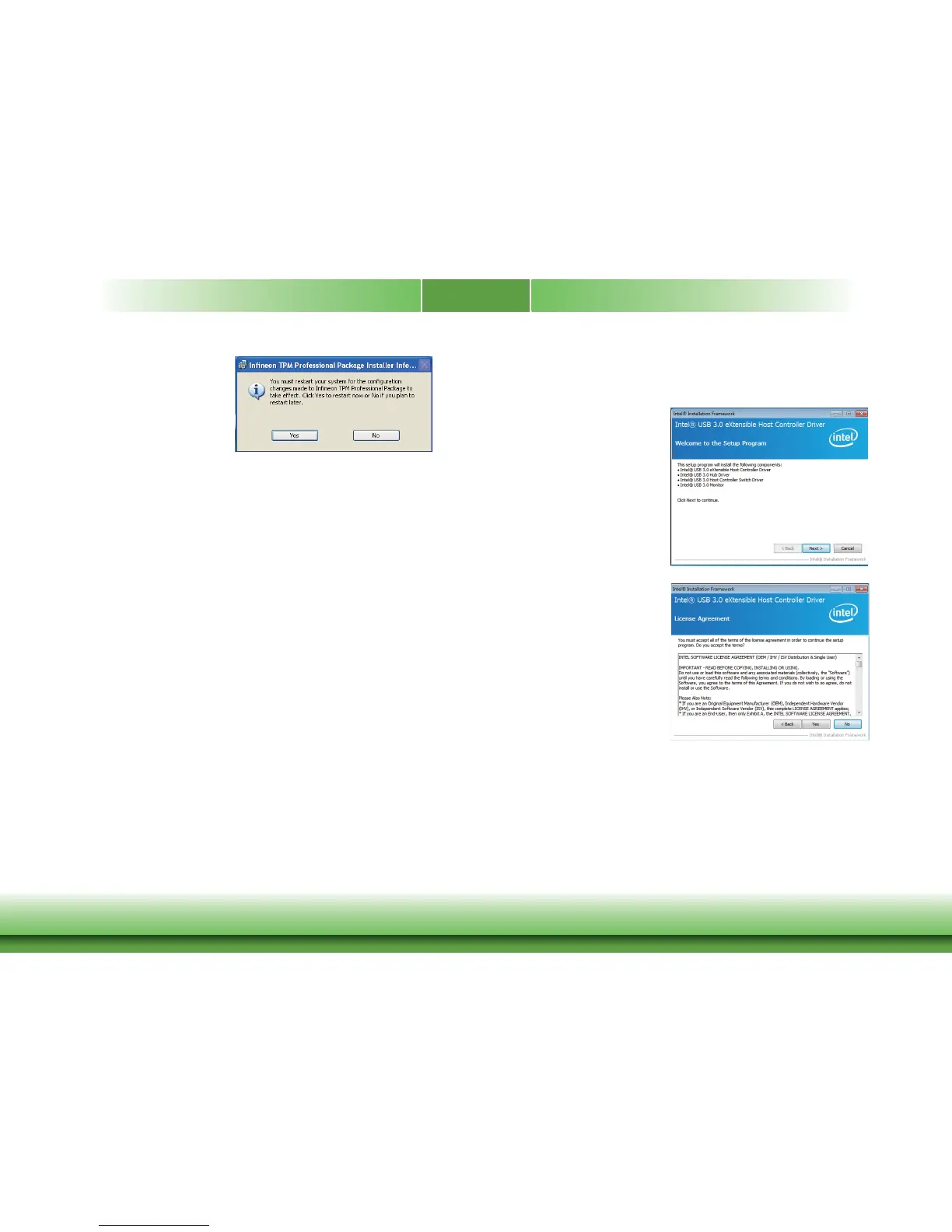
10. Click “Yes“ to restart y our system.
Intel USB 3.0 Drivers (For Windows 7 Only)
To install the driv er, click “Intel USB 3.0 Driv er” on the main menu.
2. Read the license agreement then
click Yes.
1. Setup is ready to install the driv er.
Click Next.



 To Next Page