www.df .com
54
Chapter 4 Supported Softw are
Chapter 4
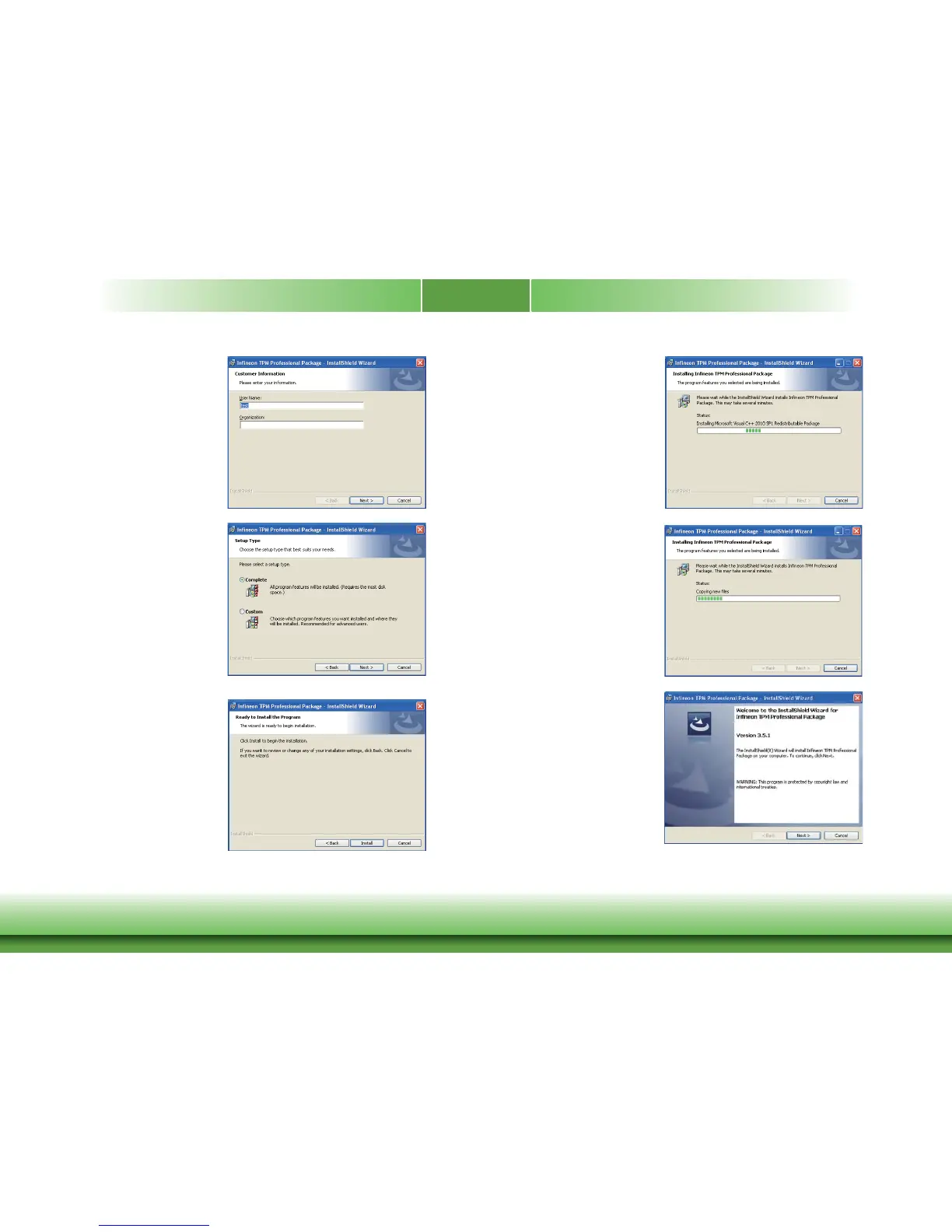
4. Enter the necessary inf ormation
and then click Next.
5. Select a setup t ype and then click
Next.
6. Click Install.
7. TPM requires installing the Micro-
soft Visual C++ package prior to
installing the utilit y. Click Install.
8. The setup program is currently
installing the Microsoft Visual
C++ package.
9. Click Finish.



 To Next Page