www.df .com
53
Chapter 4 Supported Softw are
Chapter 4
Infineon TPM Driver and Tool (option)
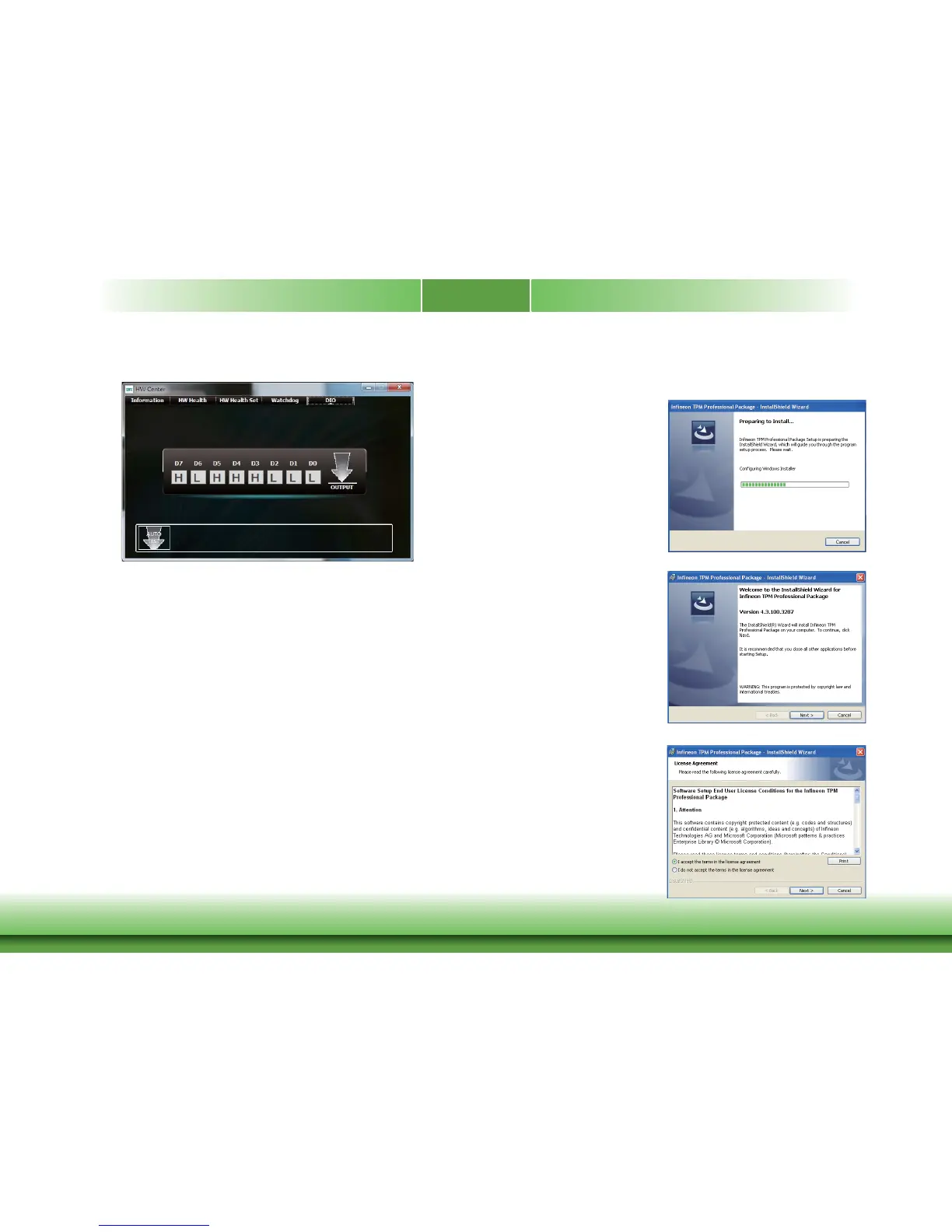
To install the driv er, click “Infineon TPM driv er and tool (option)” on the main menu.
1. The setup program is preparing
to install the driv er.
2. The setup program is now ready
to install the utilit y. Click Next.
3. Click “I accept the terms in the
license agreement” and then
click “Next”.
DIO



 To Next Page