Chapter 3
www.df .com
40
Chapter 3 BIOS Setup
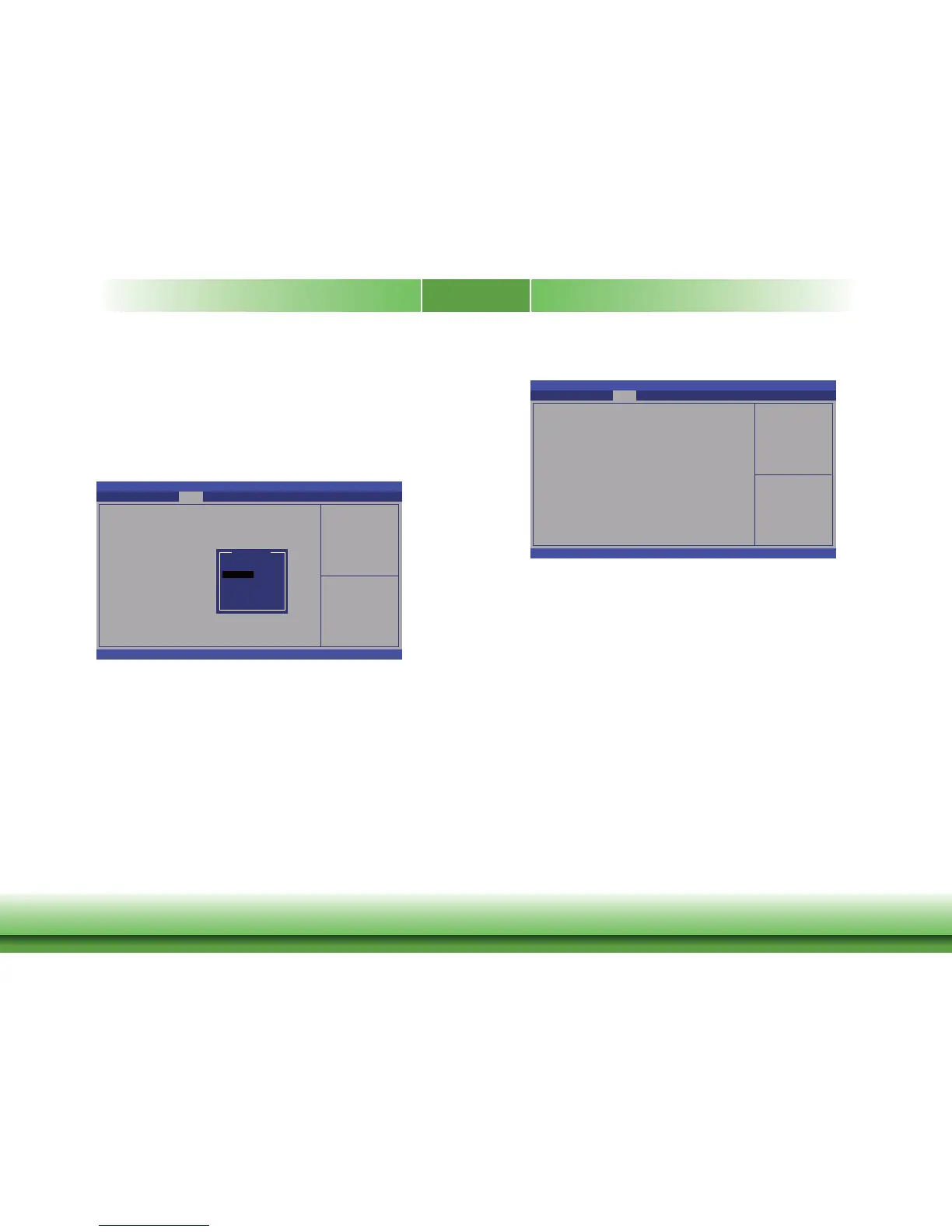
Bus Type
Select the bus t ype for the flat panel: single L VDS or dual LVDS.
Data Type
Select the data t ype for the flat panel: 18-bits, 24-bits (VES A) or 24-bits (JEIDA).
Panel Type
Select the panel t ype for the flat panel.
Aptio Setup Utility - Copyright (C) 2013 American Megatrends, Inc.
Version 2.16.1242. Copyright (C) 2013 American Megatrends, Inc.
IGD - LCD Control
LVDS Support
Bus T
ype
Data Type
Panel Type
Chipset
Select Screen
Select Item
Enter: Select
+/
-:
Change Opt.
F1: General Help
F2: Previous Values
F4: Save & Reset
ESC: Exit
[Enable]
[Single LVDS]
[18 Bits]
[1024*768]
Flat panel options
Panel Type
640x480
800x600
1024x768
1280x1024
1366x768
1920x1200
User Defi ne
Memory Configuration
Aptio Setup Utility - Copyright (C) 2013 American Megatrends, Inc.
Version 2.16.1242. Copyright (C) 2013 American Megatrends, Inc.
Memory Information
T
otal Memory
Memory Slot1
Chipset
Select Screen
Select Item
Enter: Select
+/
-:
Change Opt.
F1: General Help
F2: Previous Values
F4: Save & Reset
ESC: Exit
4096 MB (LPDDR3)
4096 MB (LPDDR3)



 To Next Page