EasyManua.ls Logo

DiabloSport Trinity 2 - Software Update Status; Checking for Available Updates

DiabloSport Trinity 2
39 pages
Print Icon
To Next Page IconTo Next Page
To Previous Page IconTo Previous Page
Loading...
24
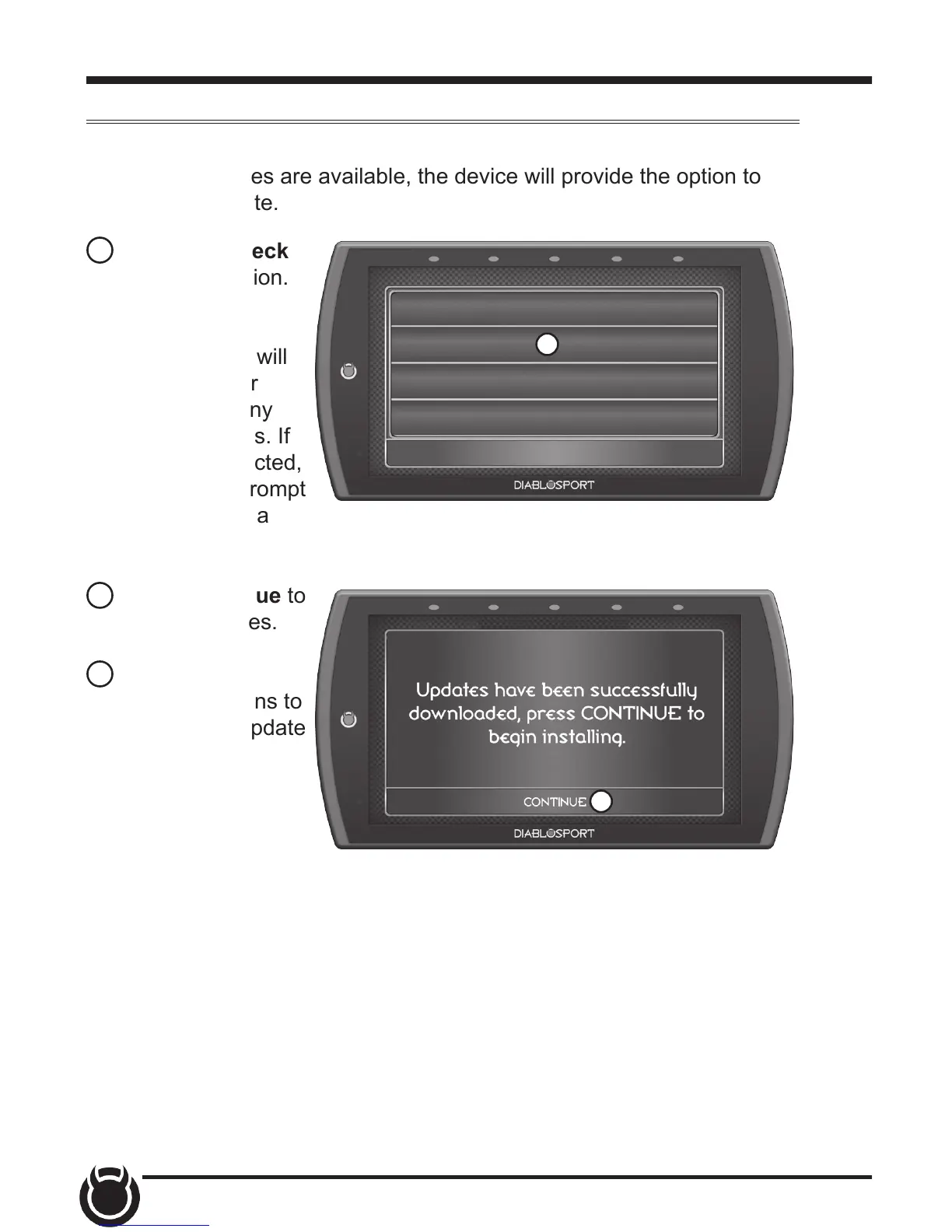
Check for Updates
If the device is connected to WiFi, click this option to look online for
updates. If updates are available, the device will provide the option to
perform the update.
1 Select the Check
for Updates option.
If connected to
WiFi, the device will
locate our server
and download any
available updates. If
WiFi is disconnected,
the device will prompt
you to congure a
network rst.
2 Select Continue to
install the updates.
3 Follow the on
screen instructions to
completed the update
process.
SETTINGS
WiFi Setup
Check for Updates
Unit of Measure
Restore Default Settings
EXIT
1
2