39
Tech Support
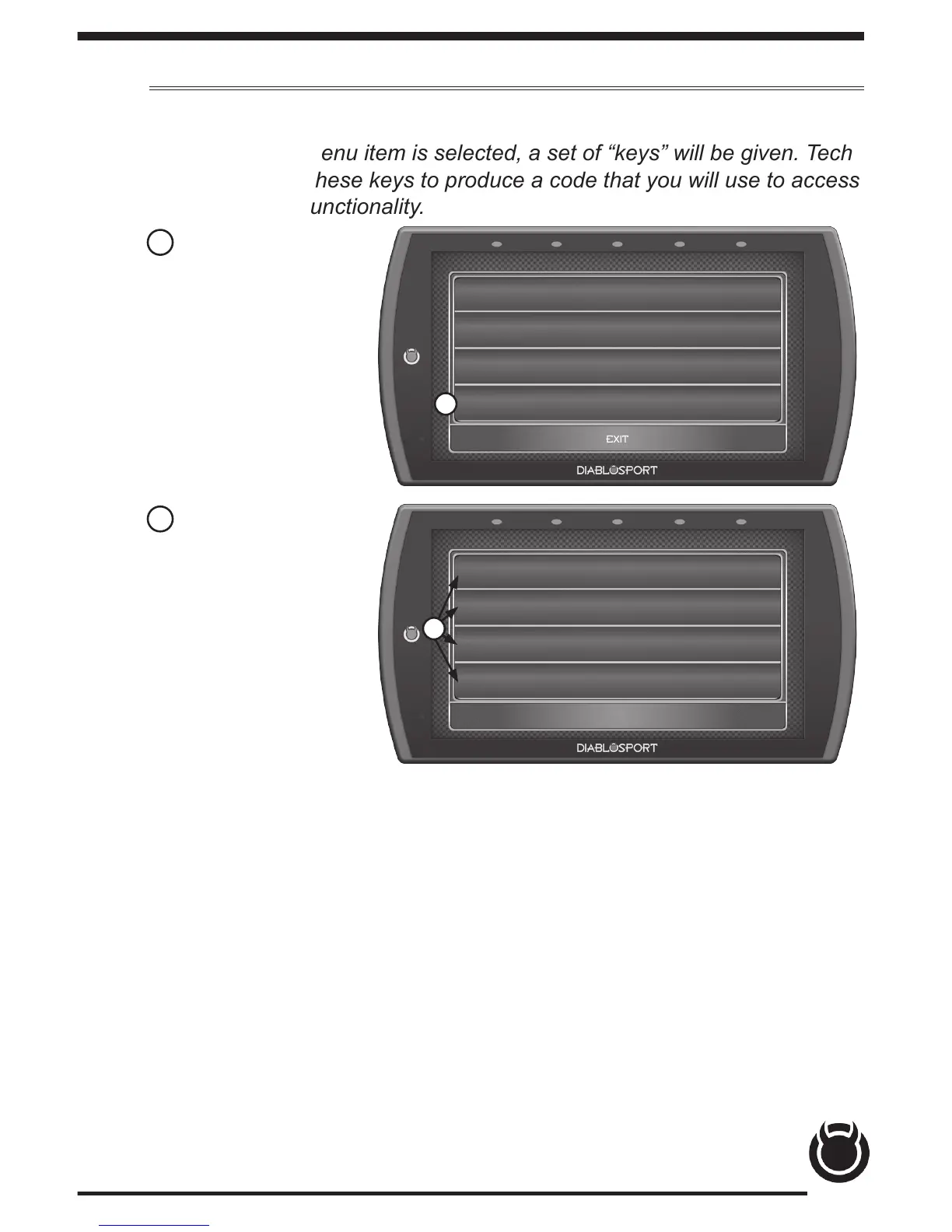
This option is to be used only when Tech Support requests information.
NOTE: When a menu item is selected, a set of “keys” will be given. Tech
Support will use these keys to produce a code that you will use to access
the menu items functionality.
HELP/INFO
Device Info
Tutorials
F.A.Q’s
Tech Support
EXIT
1
TECH SUPPORT
Force Calibration Update
Force Restore
Vehicle Reset
Clear Updates
EXIT
1 Select the Tech
Support option. A
list of questions and
answers will appear.
2 Select the menu
item as required by
Tech Support.
2
TIP: Select Exit to
return to the main
menu.
Force Calibration Update - This option programs the vehicle with the
stock calibration le. It is useful for recovering problematic ECUs.
Force Restore - This option will program the vehicle with a preciously
saved stock le. It is also useful for recovering problematic ECUs.
Vehicle Reset - Erases all vehicle specic information from the device.
Clear Updates - Erases any agged calibration updates for the ECU.
Registry Reset - Erase all cached vehicle information from the device.
Generate Log - Write any cached debug information to a debug le that
can be retrieved from the public folder.
Shop for other performance chips and programmers on our website.



 To Previous Page