1 Introduction
ECO 9099 SOP05-5090F Rev.00 Effective Date: 12/20/18 Page 17 of 58
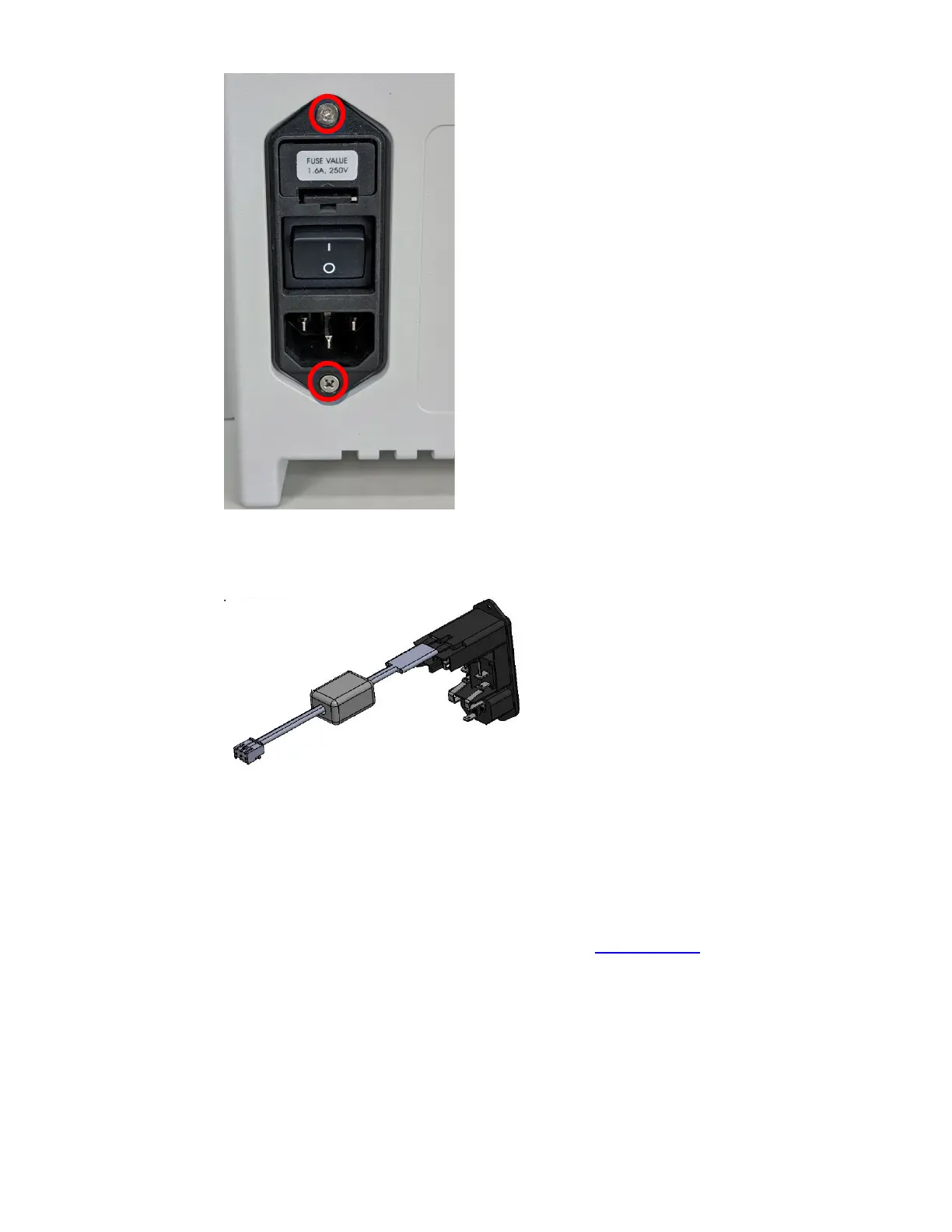
Figure 1-14 Power Inlet Module removal
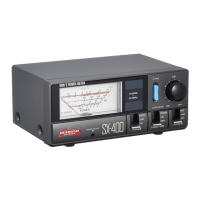
Figure 1-15 Power Inlet Module
1.3.1.5. CPU Board (CN-A4405)
The CPU board can be replaced when there is a malfunction. ESD precautions should be
exercised to prevent damaging the electronic components. To remove and replace the CPU;
1. First remove the Rear Panel according to instructions in Section 1.3.1.2
to expose the CPU
board.
2. Once the Rear Panel is removed, unplug the Display cable from the CPU board.



 To Next Page