1250 Ef Owner’s Manual
13
Console (continued)
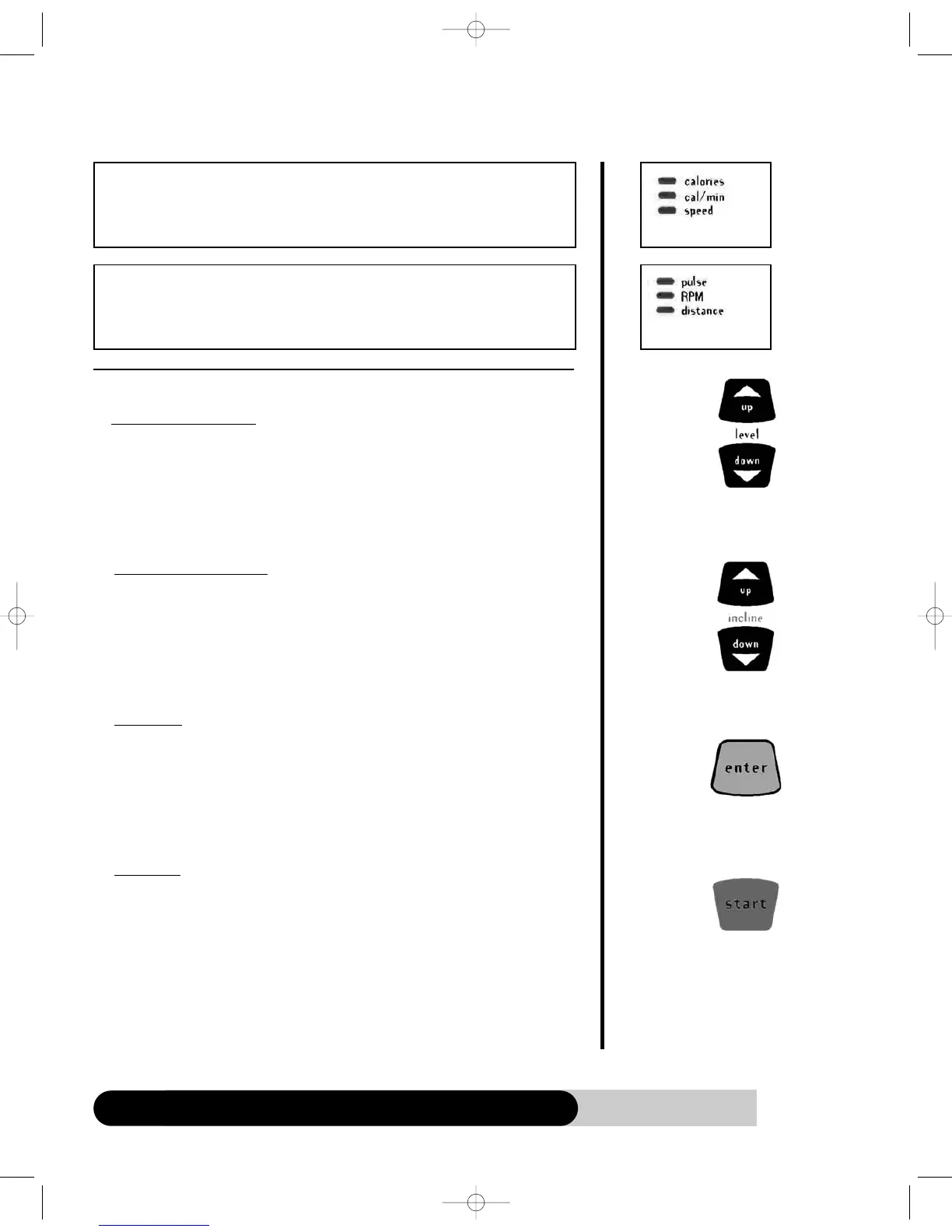
FUNCTION KEYS
a.
Level Up/Down keys:
1.
During program setup, press “Level Up/Down key” to adjust the following – age,
weight, time, intensity level, intensity difficulty level & HR setting.
2. After program started, press “Level Up/Down key” to adjust the intensity level,
intensity difficulty level or HR setting during exercising.
b. Incline Up/Down keys:
1. During program setup, press “Incline Up/Down key” to adjust the Incline level or
incline difficulty level.
2. After program started, press “Incline Up/Down key” to adjust the Incline setting
during exercising.
c. Enter key:
1. After program selecting, press “Enter” to accept the program and enter its setup
mode.
2. After age, weight, intensity level….. adjustment, press “Enter” key to accept your
entry.
d.
Star
t key:
1. Press “Start” to start a program during program setup.
2. Press “Start” to end Warm up and start program immediately.
3. Press “Start” to re-start a program during Cool Down.
Level Up/Down
keys
Incline Up/Down
keys
Enter key
Start key
•
Calories (kcal): Total workout calories.
•
Cal/min (kcal/min): Current workout calories per minute.
• Speed (mile/hr or km/hr): Current workout speed. It simulates as a jogging
exercise.
•
Pulse (bpm): Your current heart rate. If there is no pulse detected, it will display
“ - - - “ instead.
• RPM: Resolution per minute.
• Distance (mile or km): Total workout distance. It simulates as a jogging exercise.



 To Next Page