Product Operation
4.Remote control
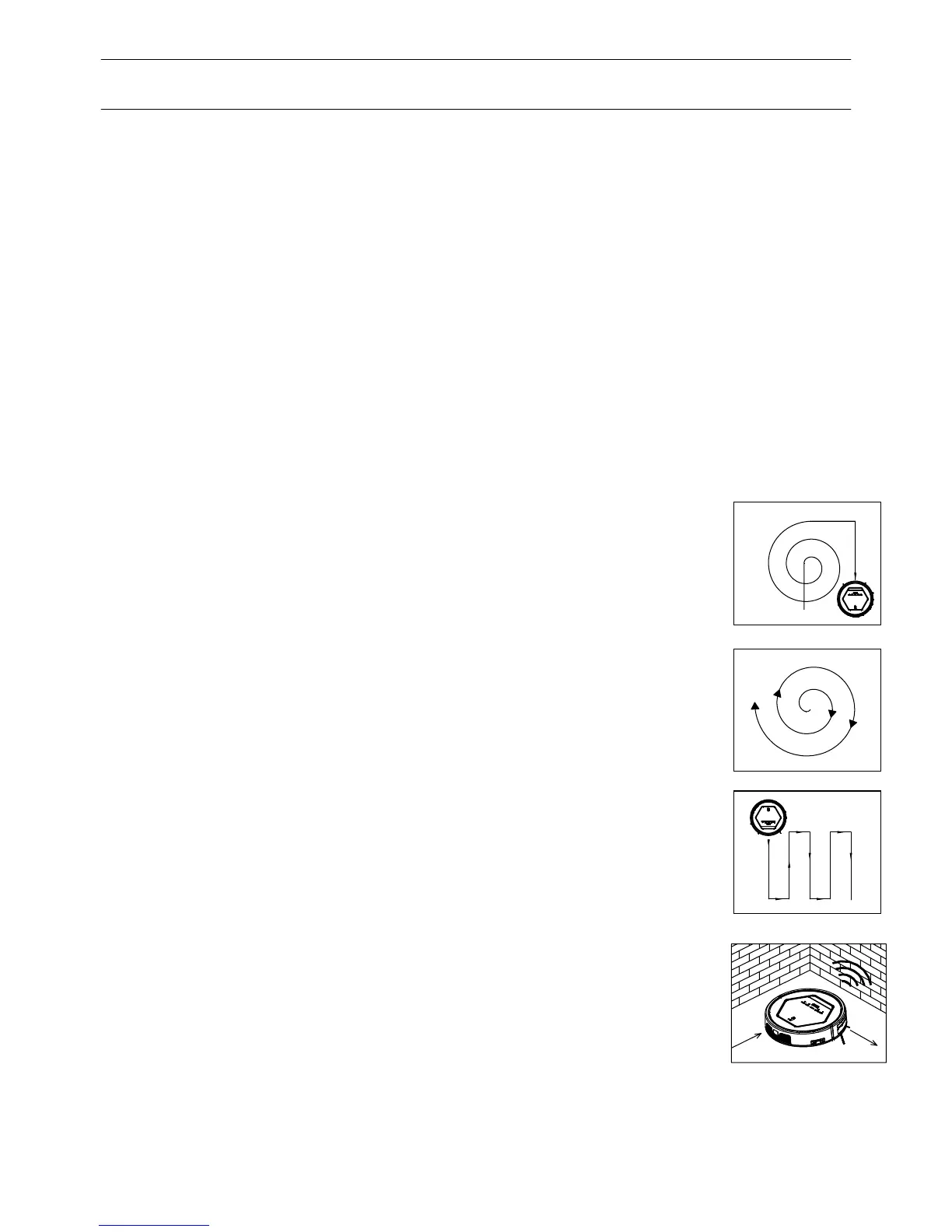
1. Random cleaning mode
2. Spiral Cleaning
3. Edge cleaning
In random cleaning mode, robot will cleaning straightly, and will
turn direction randomly when meet obstacles, just in order to
clean effeciently.
In spiral cleaning mode, robot will clean in a spiral pattern.
It is suitable for an open area.
In cleaning mode, press MODE button to select edge
4. Zig-Zag Cleaning
Note: Press MODE button on remote control to select cleaning mode:
A. mode No. 1111 shows on robot LED display: spiral cleaning mode;
B. mode No. 2222 shows on robot LED display: random cleaning mode;
C. mode No. 3333 shows on robot LED display: edge cleaning mode;
D. mode No. 4444 shows on robot LED display: Zig-zag cleaning mode.
13
Note:
a. The robot will start cleaning at the scheduling time of Robot Clock daily.
b. Before scheduling, please set the robot time to be the same with real time.
seconds.
h. User can press PLAN button to check whether robot has already
scheduled. If yes, robot CLEAN button indicator will be in pink for two
seconds. Otherwise, the indicator will have no color change but robot beeps
once.
D. Cancel the scheduling
a. Set the scheduling interval to 00:00.
b. Turn off the power switch on the right side of robot, and turn it on again after 3
With remote control, you can select robot to clean in 4 cleaning modes:
cleaning. The robot will clean along the obstacles.
Zig-Zag cleaning mode is suitable for open area or the
environment with less obstacles.
4.Remote control
Product Operation



 To Next Page