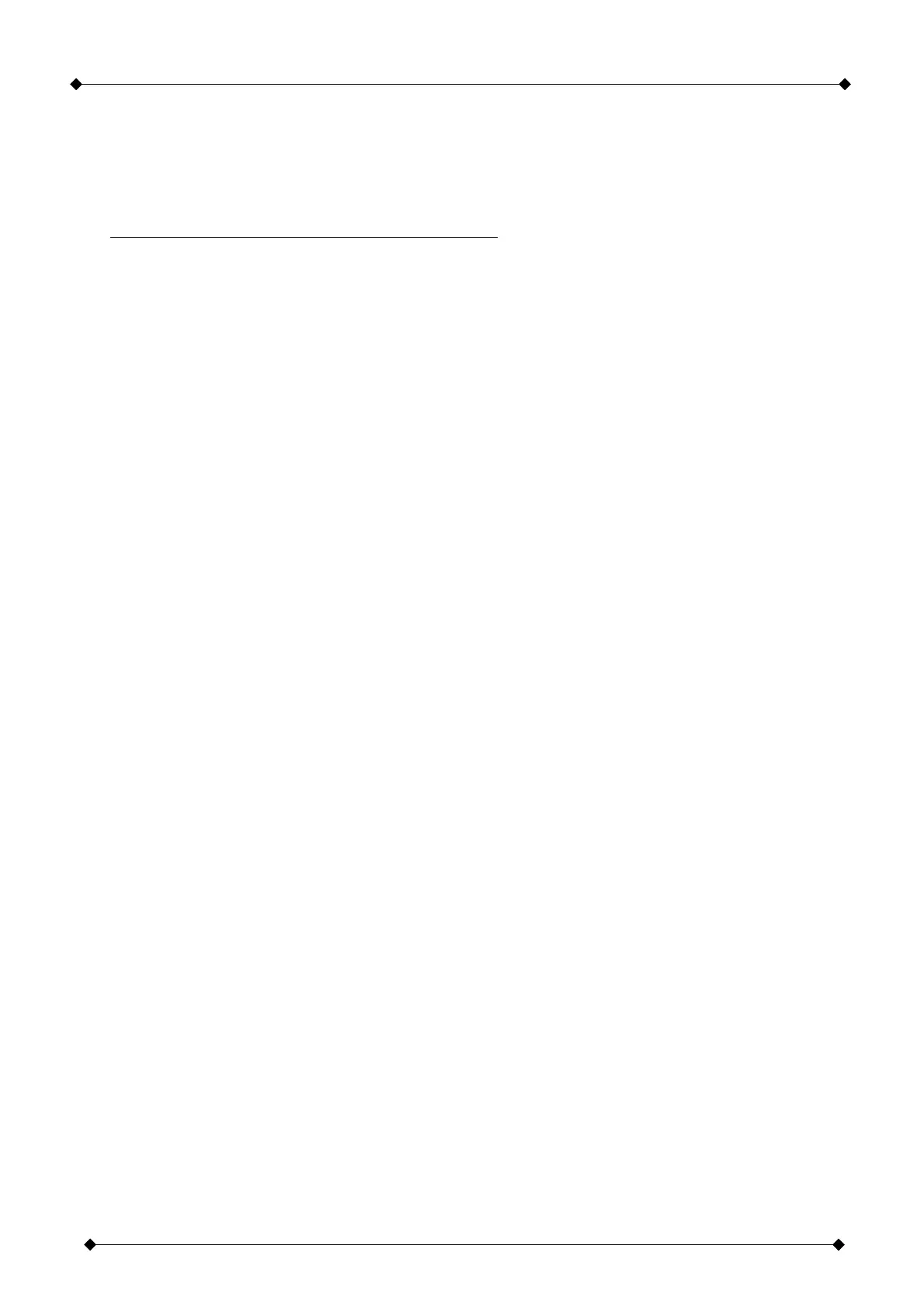
Motor control unit DCM31
15 / 35
- During the teaching runs no STOP along the path is allowed! The gate must be
able to travel unobstructed from limit switch to limit switch.
- The flashing digits in the display indicate how many teaching runs still have to be
completed for which motor.
Command Status/function
Gate is closed:
1 x pulse or “OPEN” Both leafs are moving “OPEN”
1 x pulse or “CLOSE” Motor 2 moving “CLOSE”, then motor 1 moves
“CLOSE”
1 x pulse or “OPEN” Both gate leafs are moving “OPEN”
1 x pulse or “CLOSE” Motor-2 moves "CLOSE”, motor 1 moves with delayed
“CLOSE”
- The teaching runs are completed when the digits no longer flash.
- Check the forced stopping / obstruction detection and all connected safety devices
for compliance with EN12445 and EN12453!
f) Reset the control unit (factory setting)
- The control unit can be reset by adjusting [M.A0] and then resetting to the “Original
value”.
- Procedure:
• [Ta.M] pressed until [M.A0]..[M.d9] appears.
• Use [Ta.-] to select menu item [M.A0].
• Briefly press [Ta.M], menu value (00...07) is displayed.
• Press [Ta.F] and simultaneously use [Ta.+] and [Ta.-] to adjust the menu value
and then reset again.
• Release [Ta.F].
• All menu settings are reset to their basic values (factory setting) for the relevant
gate type of [M.A0].
- Important: When the control unit is reset, the functions of the safety equipment are
changes. It is necessary to reset the whole control unit and to complete new
teaching runs.


 To Next Page