Rev. 1.2 (12.2021) MINI-CUBE | SERVICE MANUAL 32
3.1.3.10 Barcode test
Power off the instrument.
Connect the RS232 external barcode reader to the proper serial connector.
Power on the instrument and enter in the BARCODE test menu.
Read a label and verify that its code appears correctly on the BARCODE TEST page.
WARNING: Never connect or disconnect the Barcode reader with the instrument
powered ON, it may damage the reader itself or the instrument’s internal circuits.
3.1.3.11 Bluetooth test
From this menu, it is possible to activate/deactivate the Bluetooth interface, to scan all
the Bluetooth 4.x visible devices and to read the Bluetooth module firmware version.
Using a special programming tool, it could be also possible to upgrade the FW version
of the Bluetooth module.
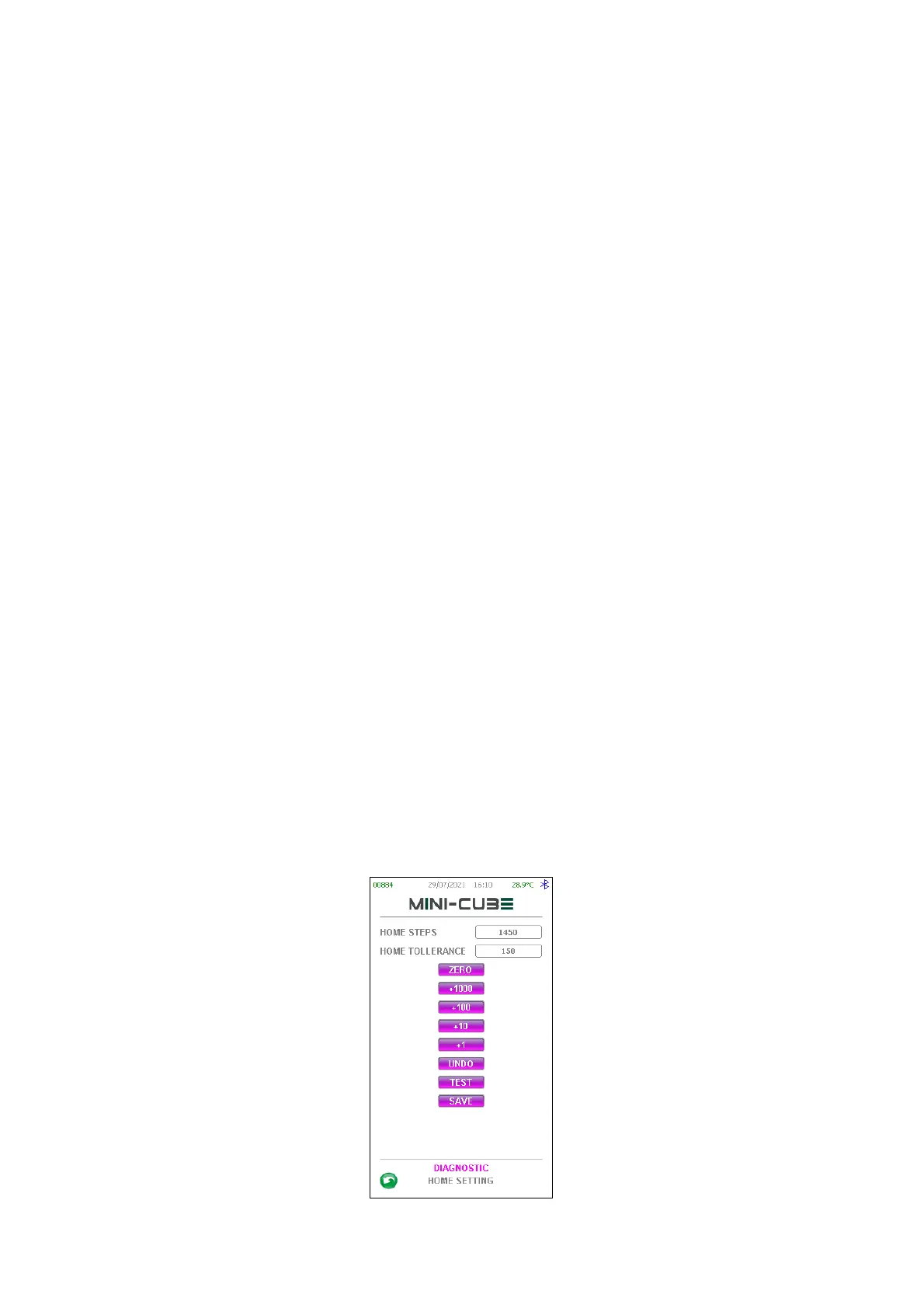
3.1.3.12 Home setting
This menu is used to set the Home position of the Reading Unit. Indeed, if the Motor or
the Home Optical Sensor have been dismounted or replaced, a new Home position
setting is needed. The home position has to be set in order to have the Reading Unit in
the higher possible position, without hitting on the top of the unit. Default setting for
Home steps is equal to 1450 steps.
Remove the rear panel in order to check the positioning and adjust the Home steps
value, then press “TEST” to move the motor to the new Home Position.
Once the correct positioning has been reached, press SAVE to store the new value.



 To Next Page